Ideas

Practical patterns from the field: camera placement, incident detection, port queues, drive-thru timing, and the operator details that rarely make the brochure.

The 50-foot rule for multi-lane highway cameras

The 50-foot rule for multi-lane highway cameras

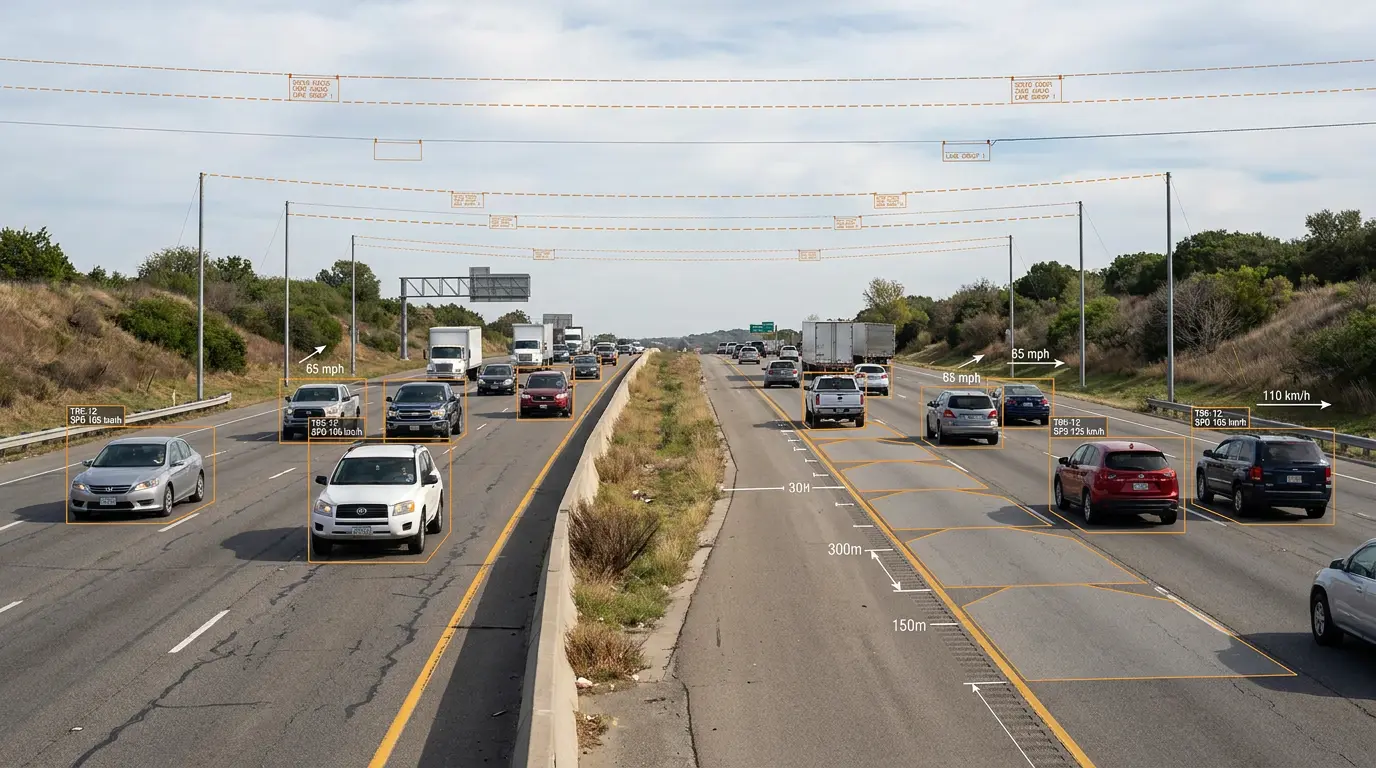
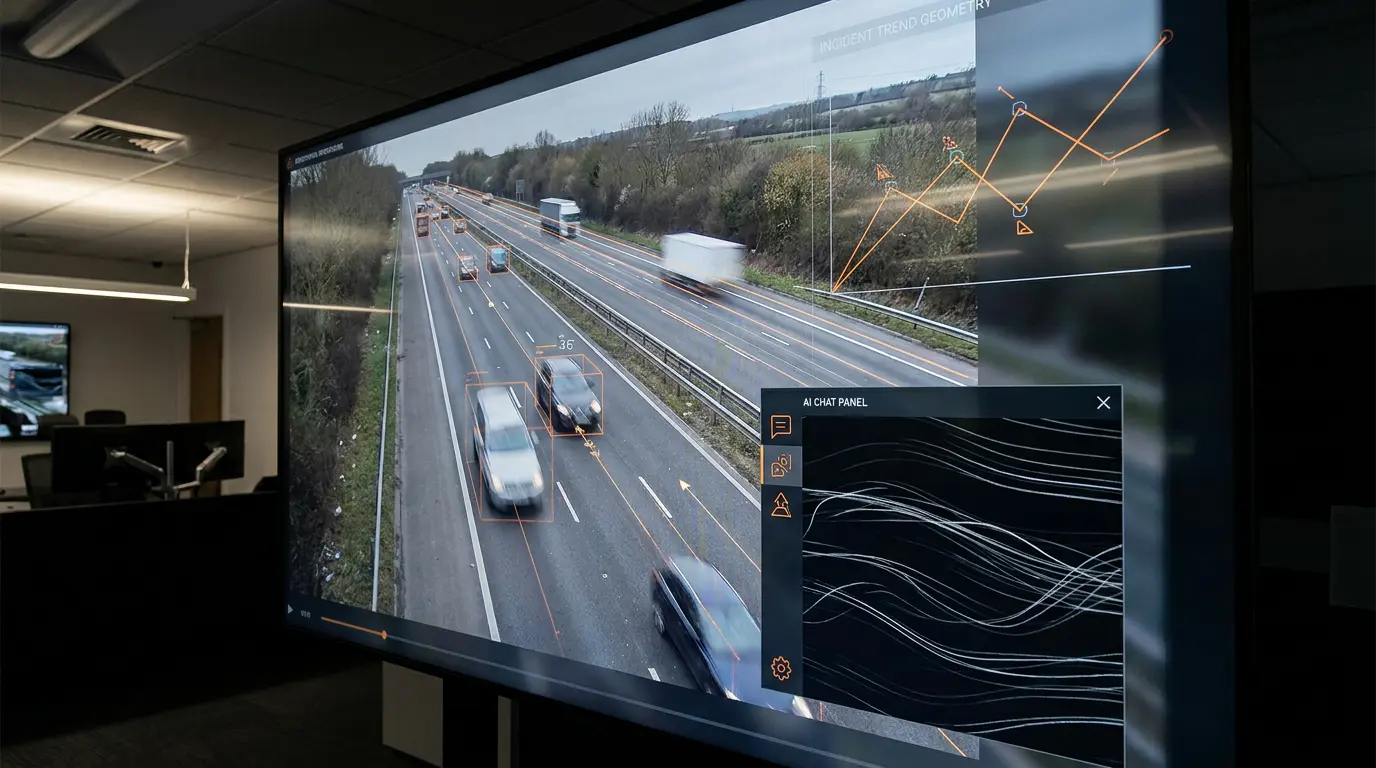
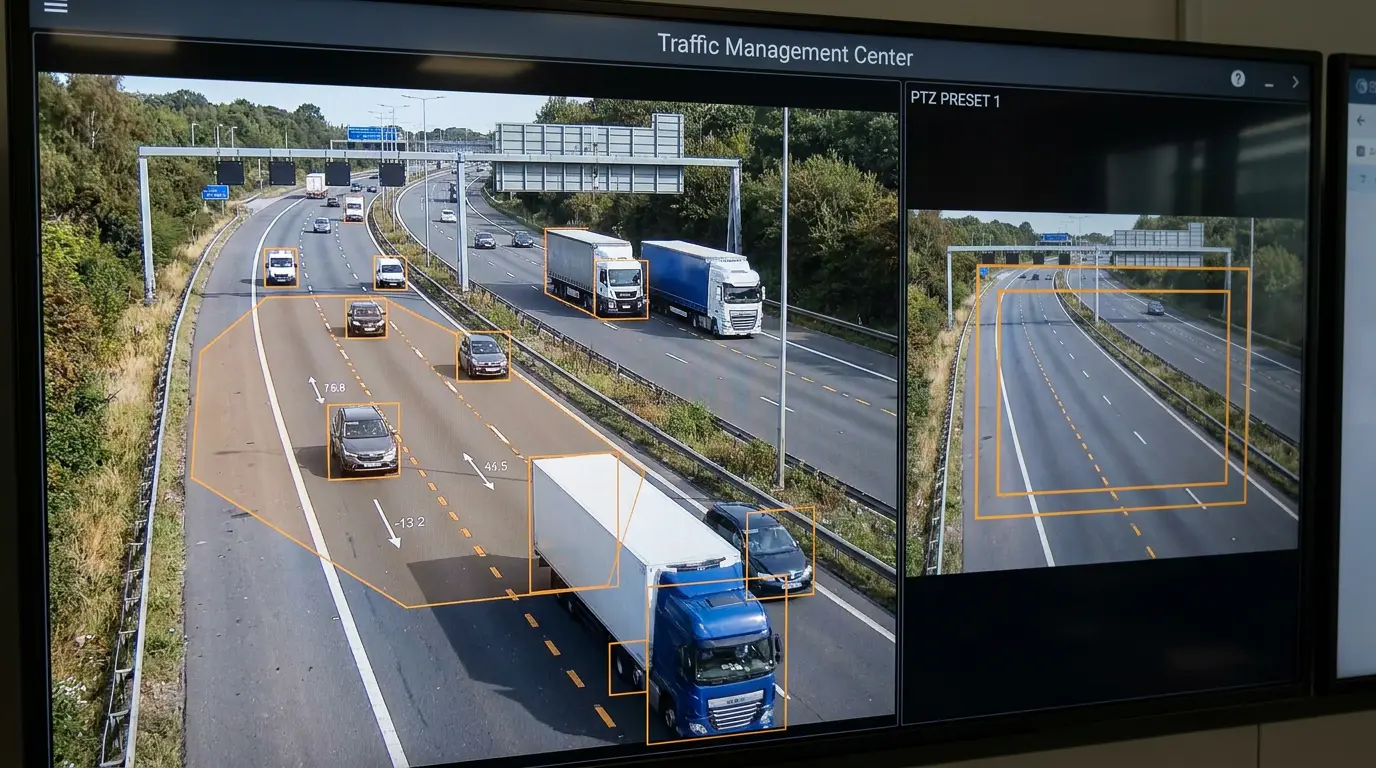
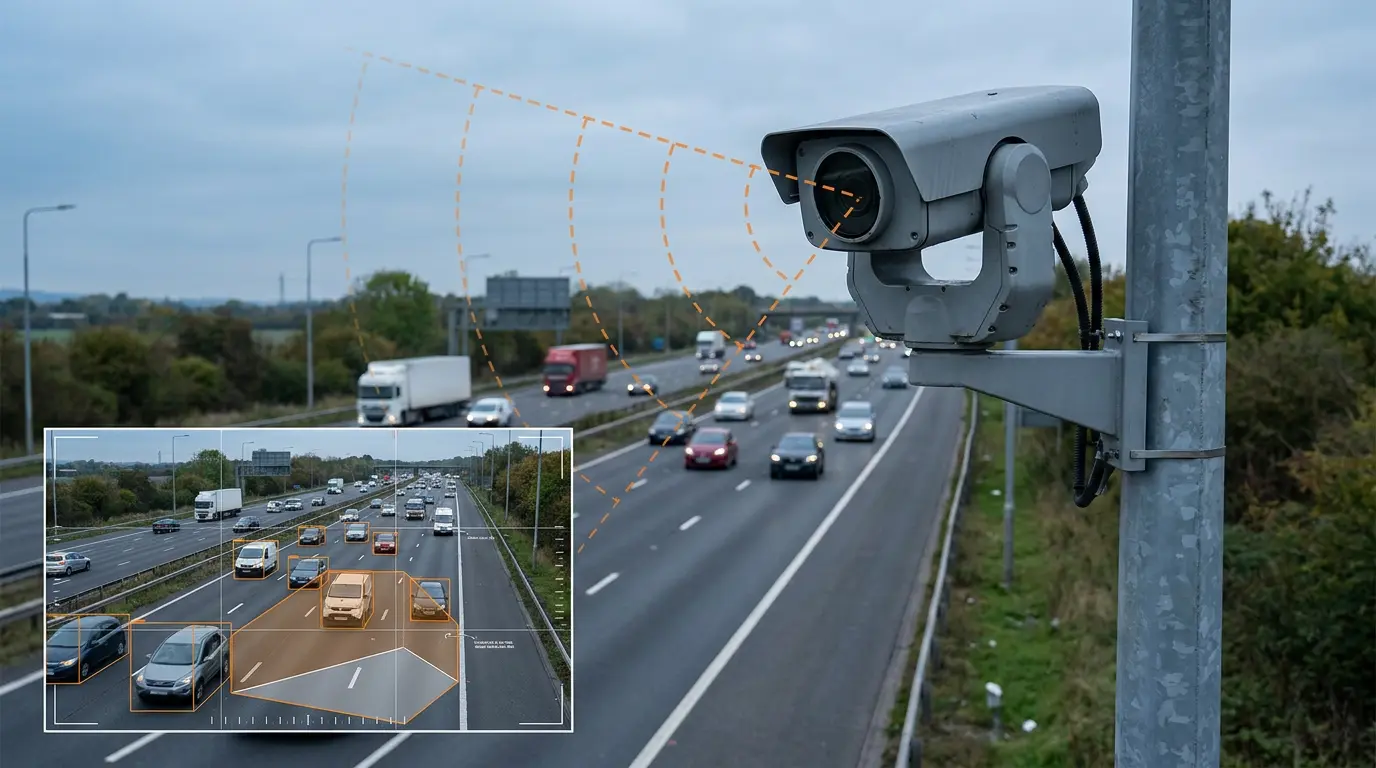
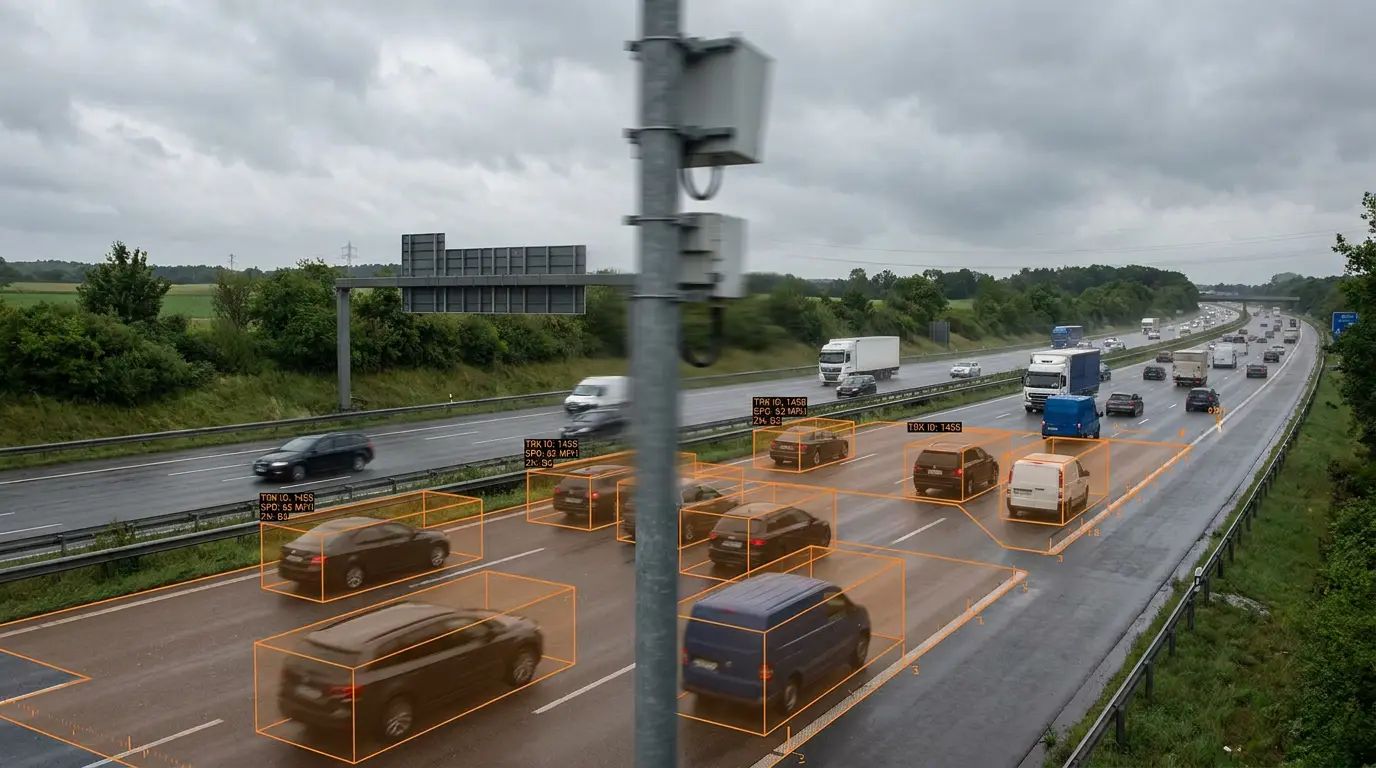
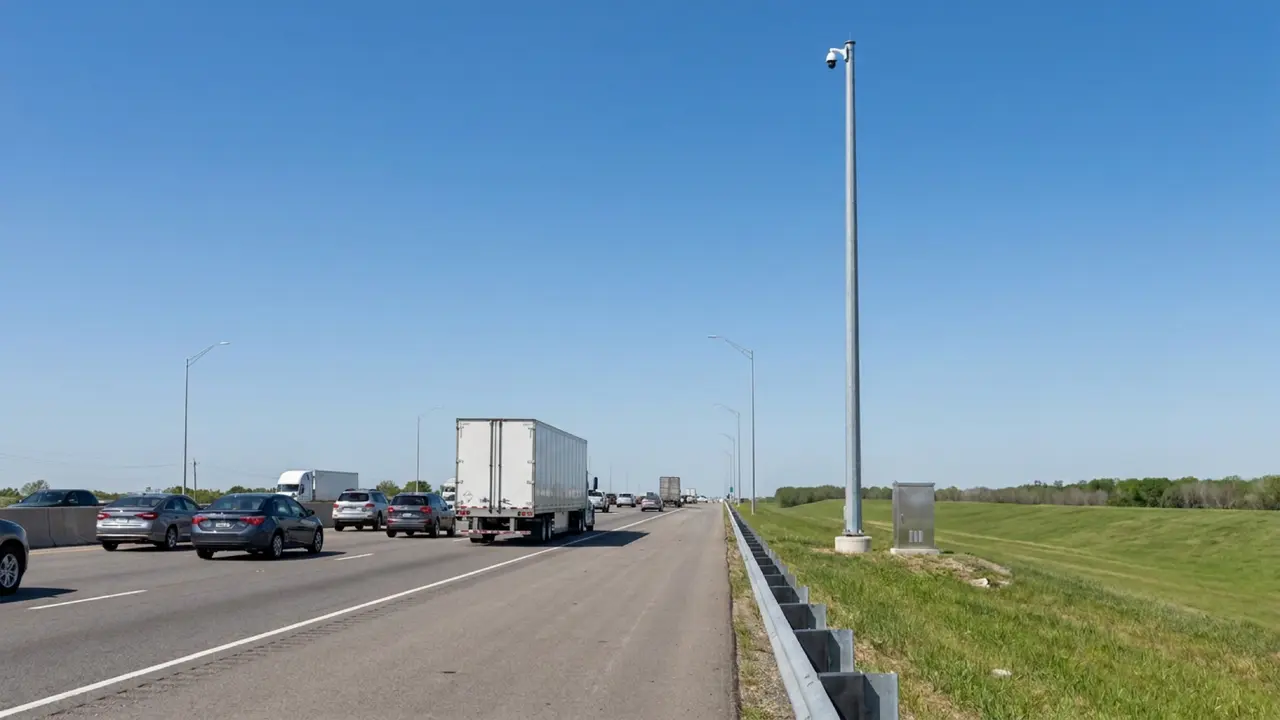
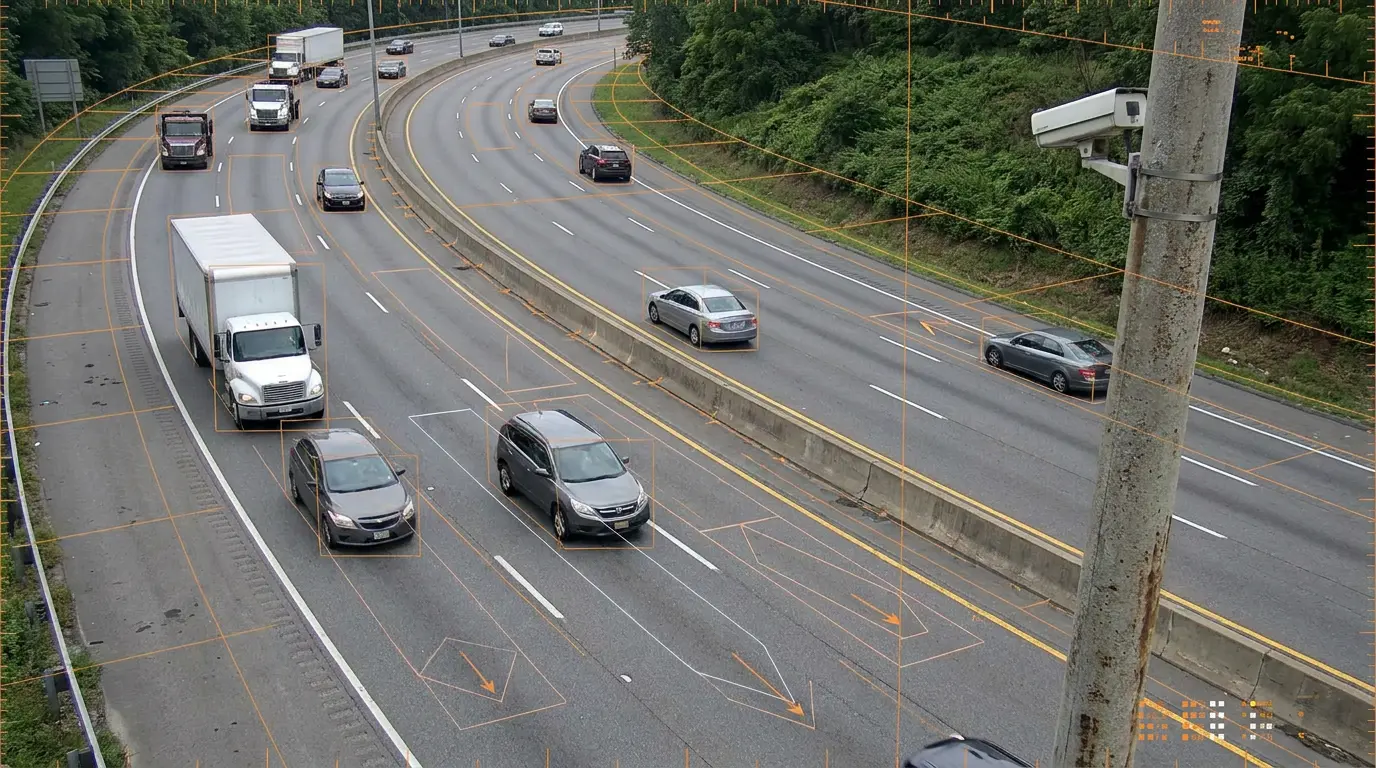
For optimal tracking across six lanes plus a shoulder, mount cameras at a recommended height of 50 feet. This elevation gives TrafficVision® TMC a consistent view of lane geometry and vehicle movement without excessive perspective distortion.

Higher or lower mounts can still work, but the 50-foot guideline is the starting point agencies use when designing new coverage or validating existing pole placements.
TrafficVision® TMC, PortObserver™
camera-setupmountinghighway
Local AI verification before alerts

Local AI verification before alerts

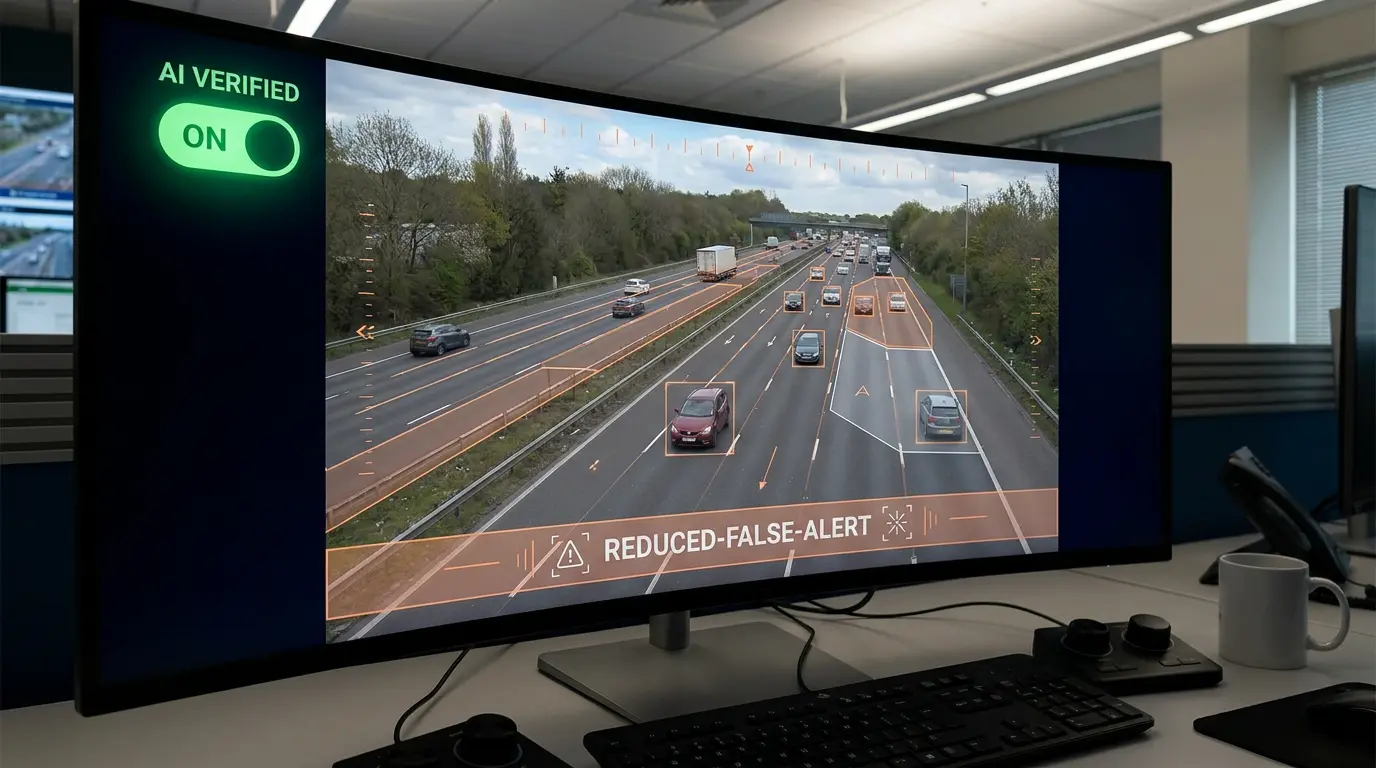
TrafficVision utilizes a secondary AI confidence measure through local inference to double-check incidents before alerting. Suspect detections get a second pass on your infrastructure, not in the cloud.

Leave AI Verification on by default to drastically reduce false positives before they reach an operator's desk.

TrafficVision® TMC, PortObserver™
ai-detectionverification
Natural language queries across your camera network

Natural language queries across your camera network

Operators can type real-time questions like, "What's the current traffic situation across all cameras?" or "Are there any active incidents right now?" Gemini AI integration turns natural language into live operational answers with Gemini integration.

Shift leads spend less time clicking through tabs to build situational awareness.

TrafficVision® TMC
gemini-ainatural-language
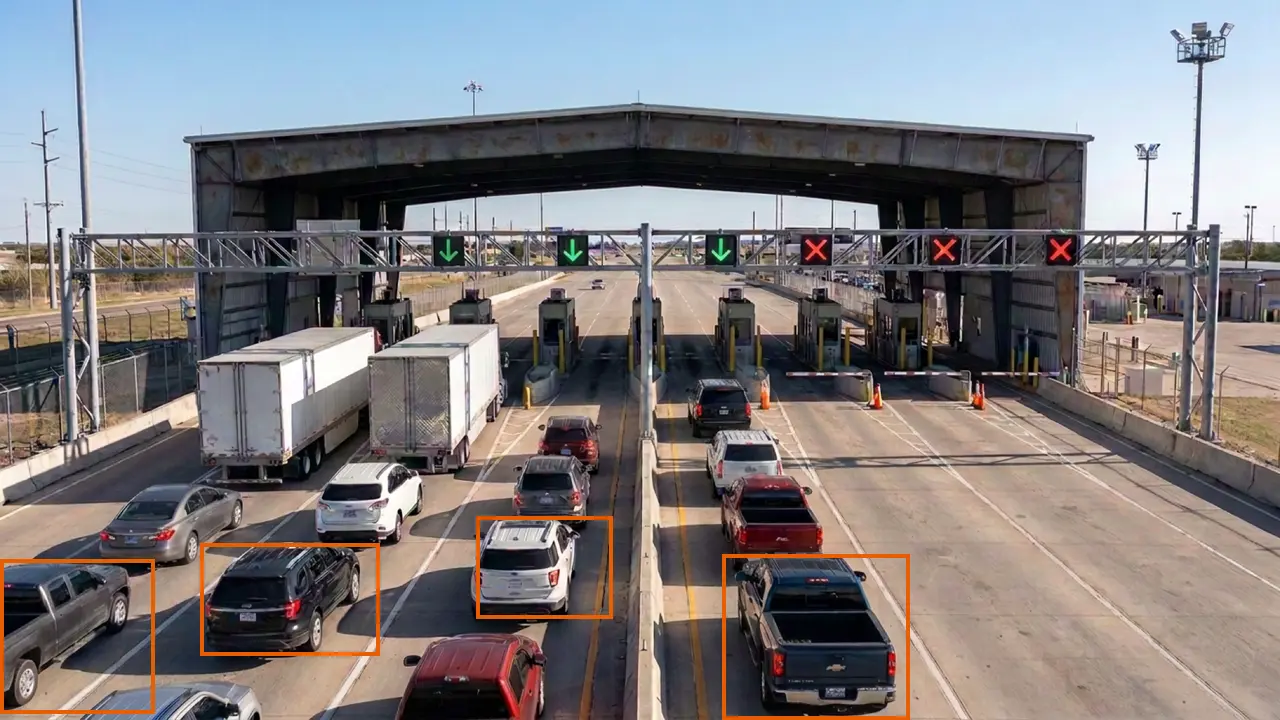
Port and logistics queue optimization

Port and logistics queue optimization

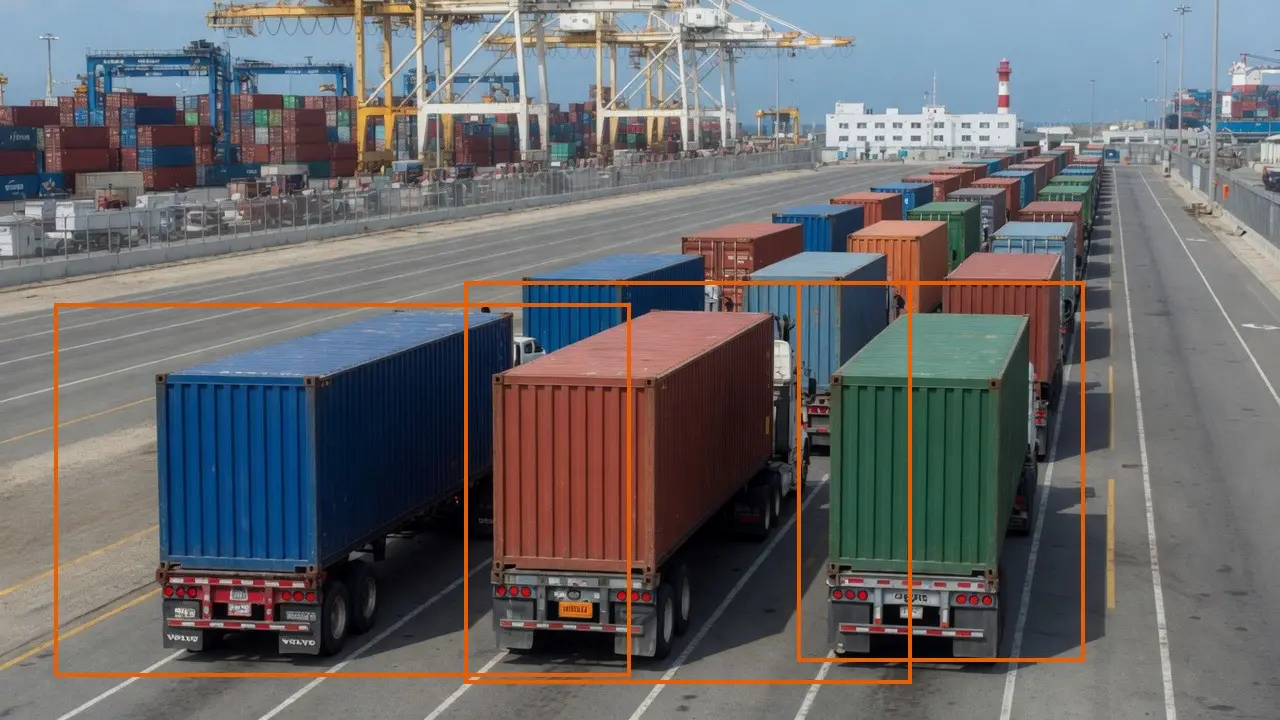
Monitor truck queues outside busy port facilities to provide dispatchers with real-time wait times and optimize supply chains. Landside teams see spillback before it reaches terminal gates.

Drayage carriers adjust arrival windows based on live queue depth instead of phone trees.

PortObserver™
use-casesportsqueuing
Catch wrong-way drivers on the off-ramp before they reach the highway

Catch wrong-way drivers on the off-ramp before they reach the highway

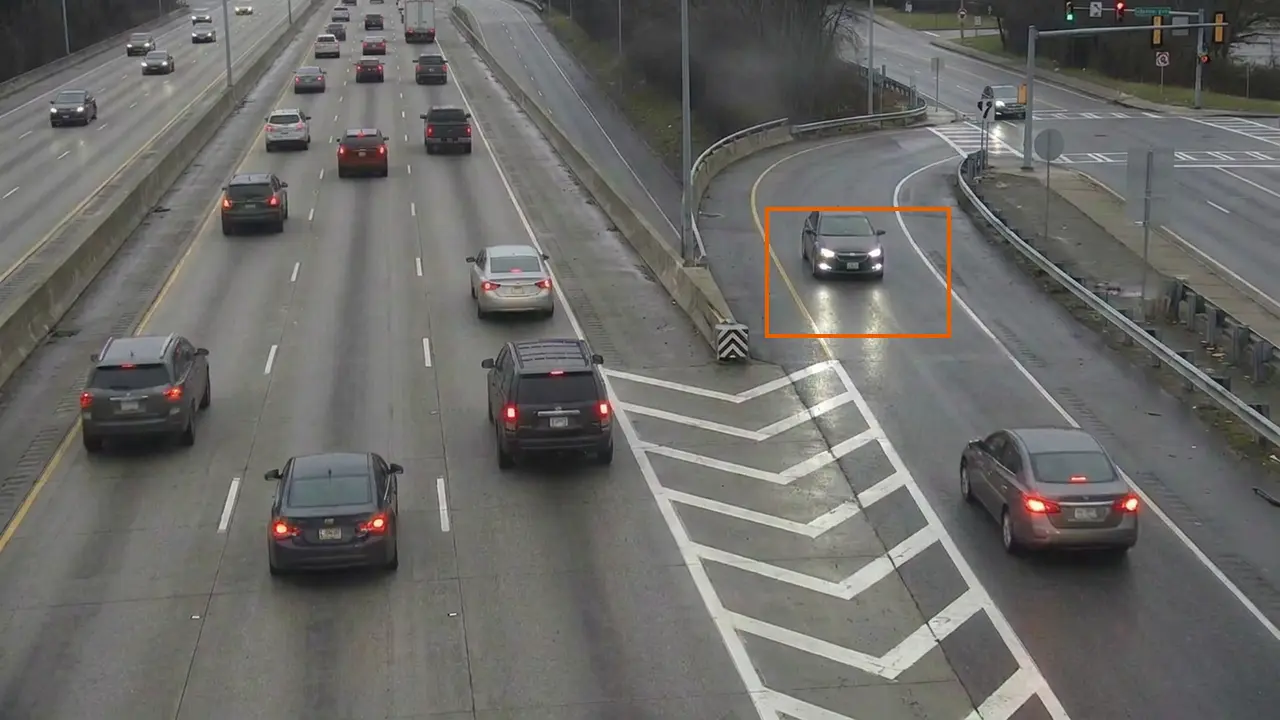
Protect lives by establishing zones on off-ramps to instantly detect wrong-way drivers. Fixed-position cameras give the most reliable geometry for direction-of-travel checks.

Pair detections with digital signage or warning lights so drivers self-correct before reaching mainline traffic.

TrafficVision® TMC, PortObserver™
ai-detectionsafetywrong-way
Measure the wait after the payment window, not just the menu board

Measure the wait after the payment window, not just the menu board

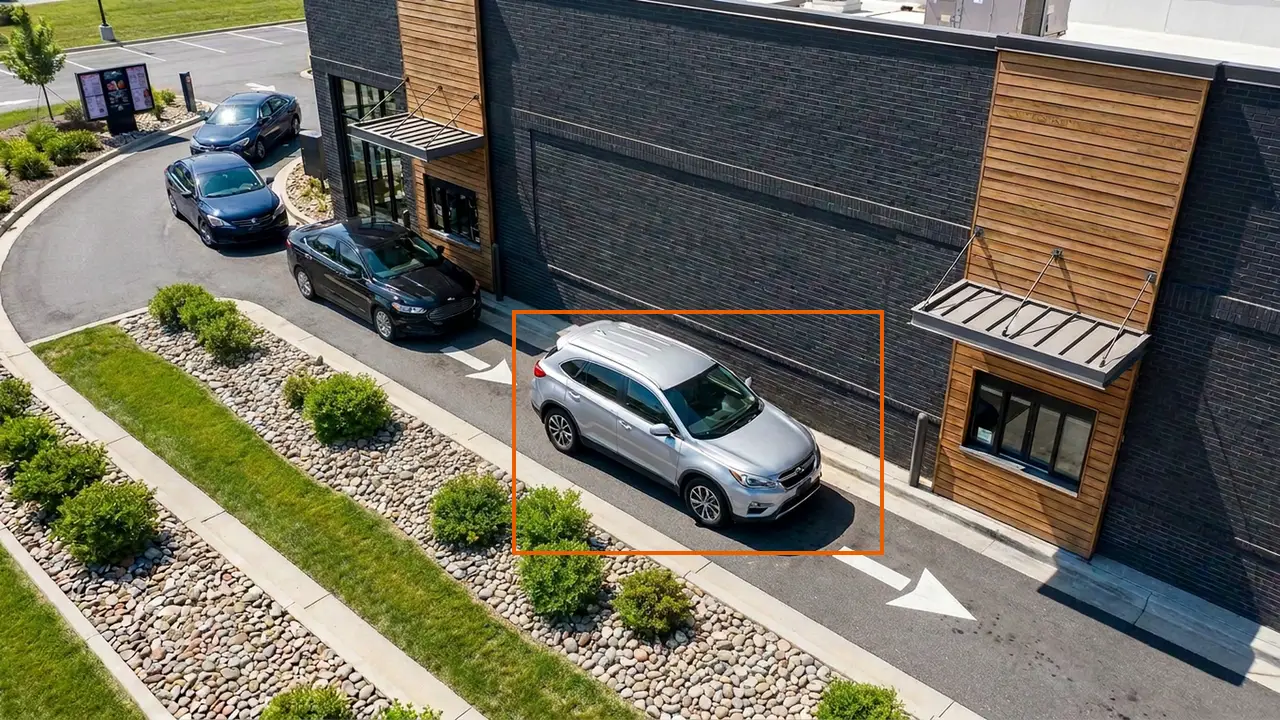
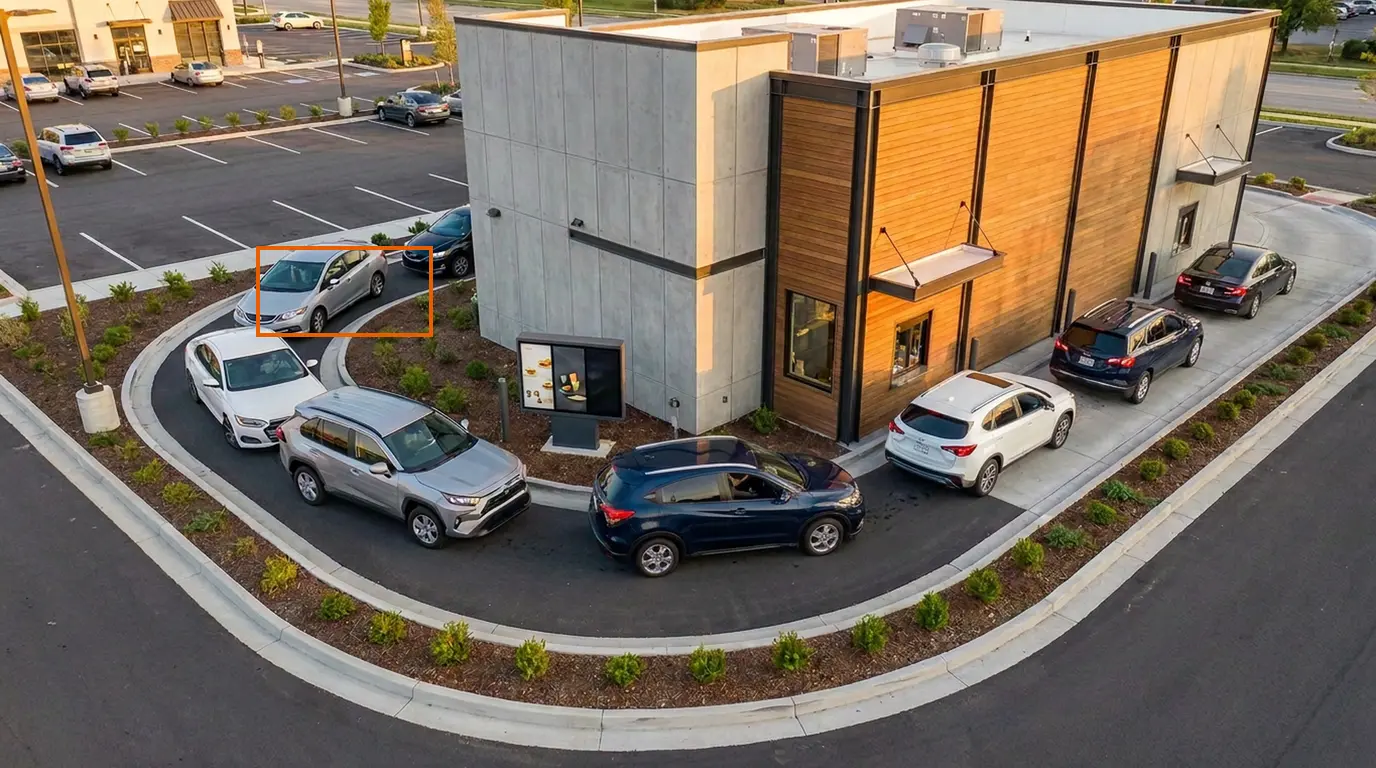
Many drive-thru bottlenecks happen after the payment window, not at the menu board. BayTracker® can separate payment-window time from pickup-window delay during peak hours.

That split helps managers staff the right station and fix process issues that timer-at-the-speaker metrics miss.

BayTracker®
use-casesdrive-thruwait-times
Automate public 511 traveler feeds

Automate public 511 traveler feeds

Set smart confidence thresholds to push highly verified incident alerts directly to public traveler feeds while routing edge cases to operators. Travelers get timely 511 updates without flooding feeds with unconfirmed events.

Operators retain override control for sensitive or evolving incidents.

TrafficVision® TMC
enterprise511public-feeds
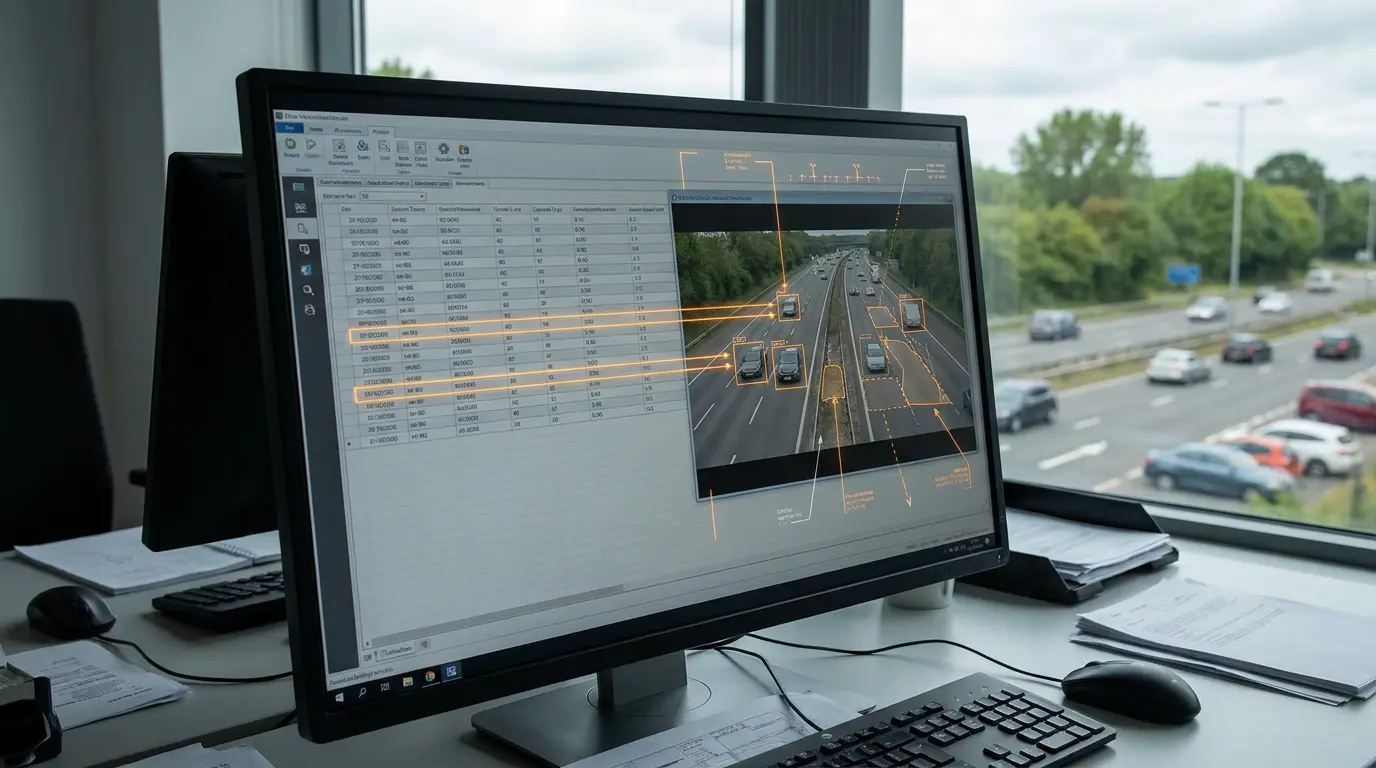
Automated CSV exports for traffic studies

Automated CSV exports for traffic studies

Easily export all per-lane and per-bound data into simple CSV files for broader traffic studies. Researchers can pull intervals into Excel, Python, or BI tools without custom ETL.

Scheduled exports support recurring agency reporting cadences.

TrafficVision® TMC, PortObserver™
analyticsexportCSV
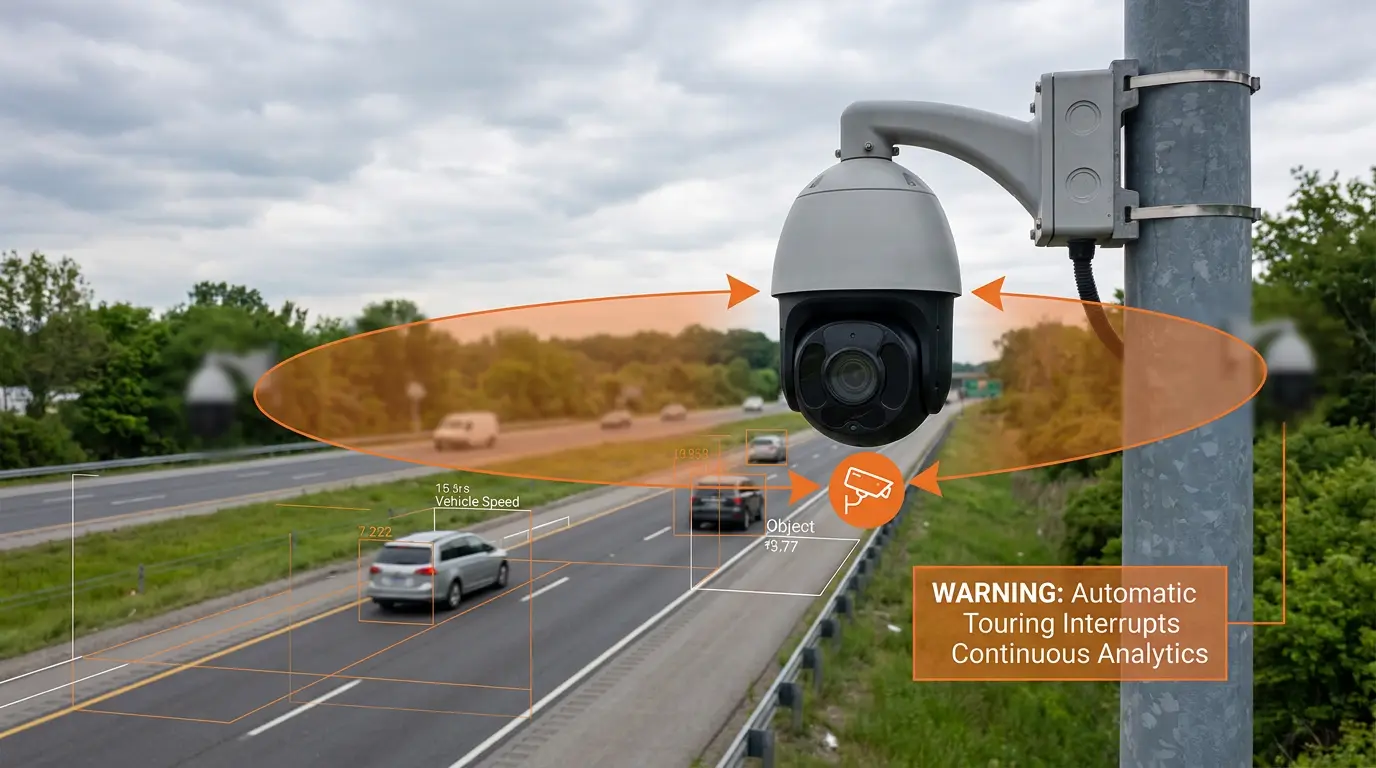
Avoid touring mode for continuous analytics

Avoid touring mode for continuous analytics

Touring mode disrupts continuous video analytics. If it must be used, set the dwell time to at least 15 minutes per view so detections stabilize before the PTZ moves again.

Prefer fixed presets with scheduled manual tours during low-traffic windows.

TrafficVision® TMC, PortObserver™
operator-tipsPTZ
Bicycle and Vision Zero safety zones

Bicycle and Vision Zero safety zones

Create dedicated detection zones for bike lanes or bike crossings to gather continuous volume data supporting urban planning. Vision Zero programs need reliable counts, not anecdotal complaints.

Longitudinal bike and pedestrian volumes justify infrastructure investments.

TrafficVision® TMC, PortObserver™
use-casesbicyclesvision-zero
Border crossing and weigh station wait times

Border crossing and weigh station wait times

Monitor international border crossings or weigh stations to provide public feeds with highly accurate, automated wait-time estimates. Travelers and commercial dispatchers plan crossings with live data.

Agencies reduce call center load from drivers asking "how long is the line?"

TrafficVision® TMC, PortObserver™
use-casesborderwait-times
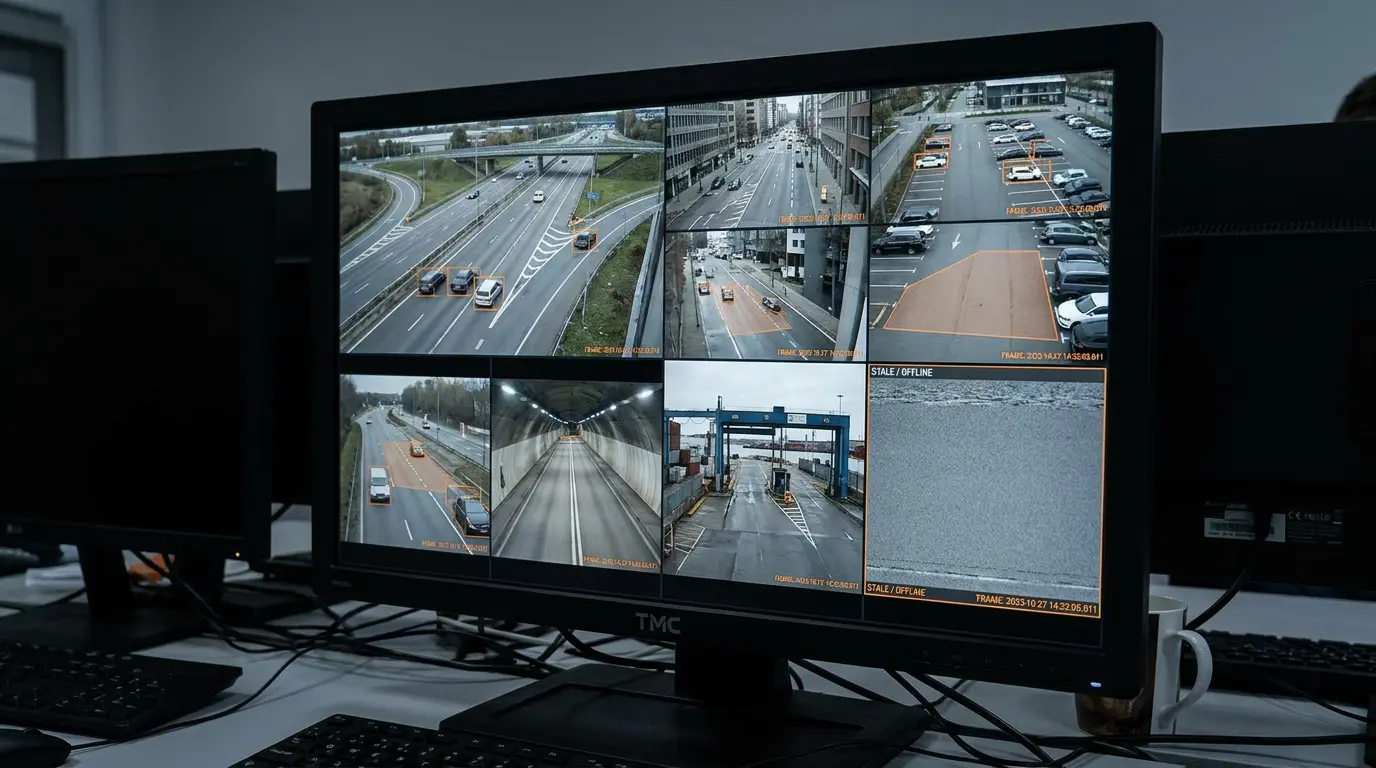
Check the timestamp to diagnose dropped streams

Check the timestamp to diagnose dropped streams

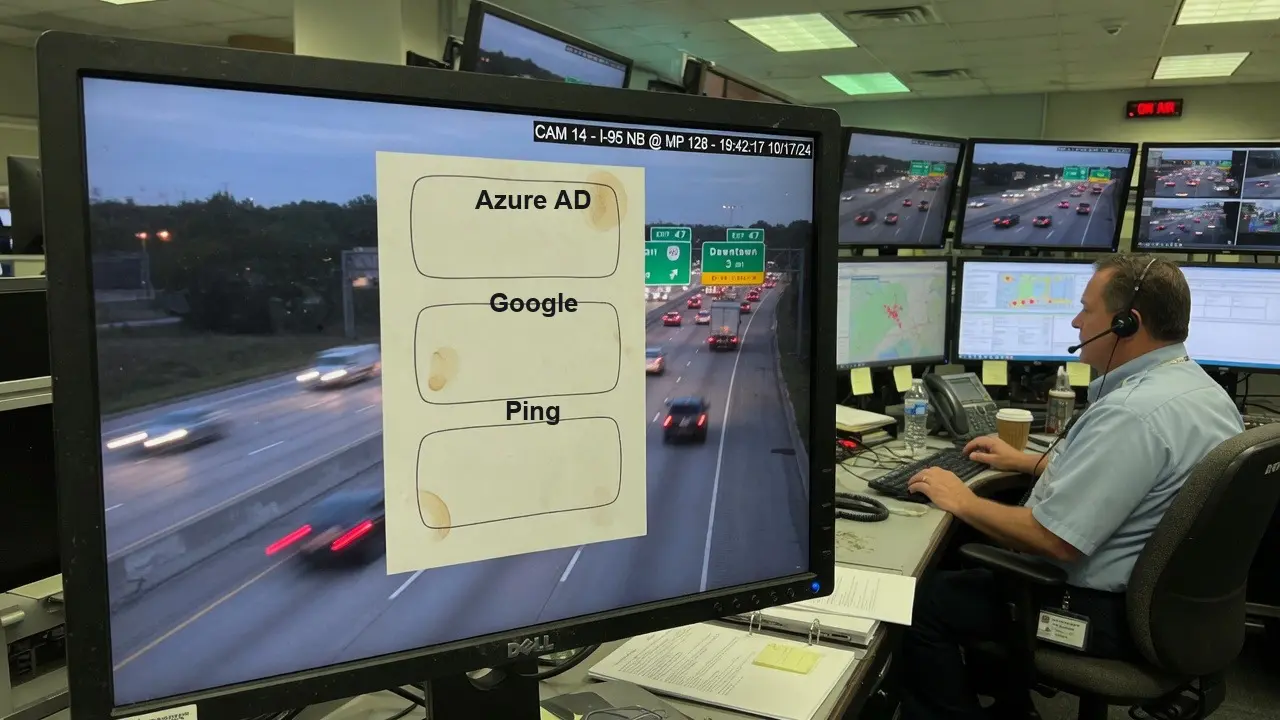
Use the timestamp of the last received video frame to immediately diagnose if a camera stream has dropped from the network. Stale timestamps beat guessing from a frozen thumbnail.

Escalate to IT when timestamps lag while neighboring cameras stay current.

TrafficVision® TMC, PortObserver™
operator-tipsdiagnostics
Cloud or on-premise deployment flexibility

Cloud or on-premise deployment flexibility

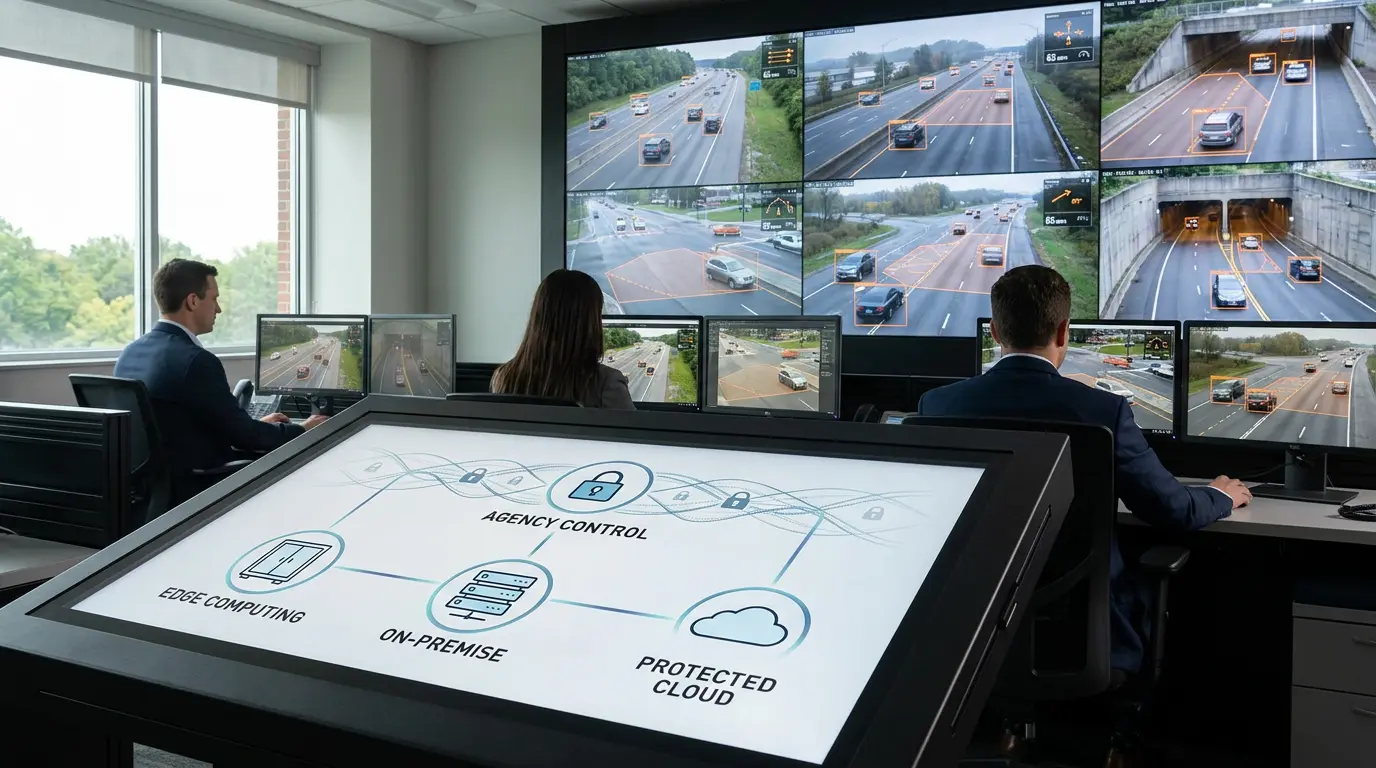
TrafficVision’s architecture is deployment-agnostic. Run it fully on-premise or at the edge for maximum control and lowest latency, or scale seamlessly into the cloud through secure VPN tunnels when you need elasticity and reduced operational overhead. Mix both approaches as your needs evolve—edge for real-time responsiveness, cloud for heavy analytics and long-term storage.

The same analytics stack runs in edge, on-prem, and cloud without feature forks.

TrafficVision® TMC
enterprisedeployment
Congestion vs. queueing with separate confidence

Congestion vs. queueing with separate confidence

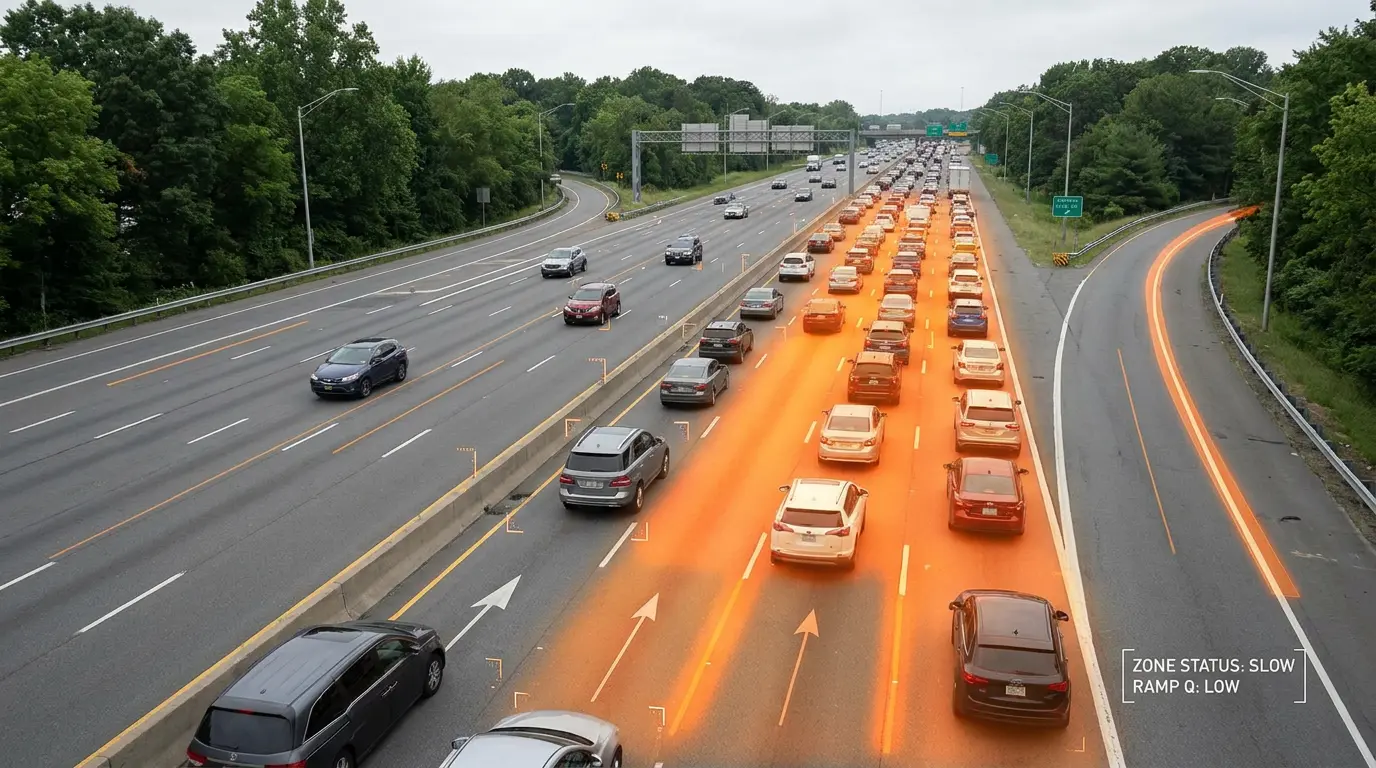
Differentiate between temporary traffic queues and hard congestion with customizable confidence measures for each. Operators get clearer semantics instead of a single overloaded "slow traffic" alert.

Tune congestion for mainline throughput and queueing for ramp or work-zone backups.

TrafficVision® TMC, PortObserver™
ai-detectioncongestionqueueing
Defeat headlight glare on night-time highways

Defeat headlight glare on night-time highways

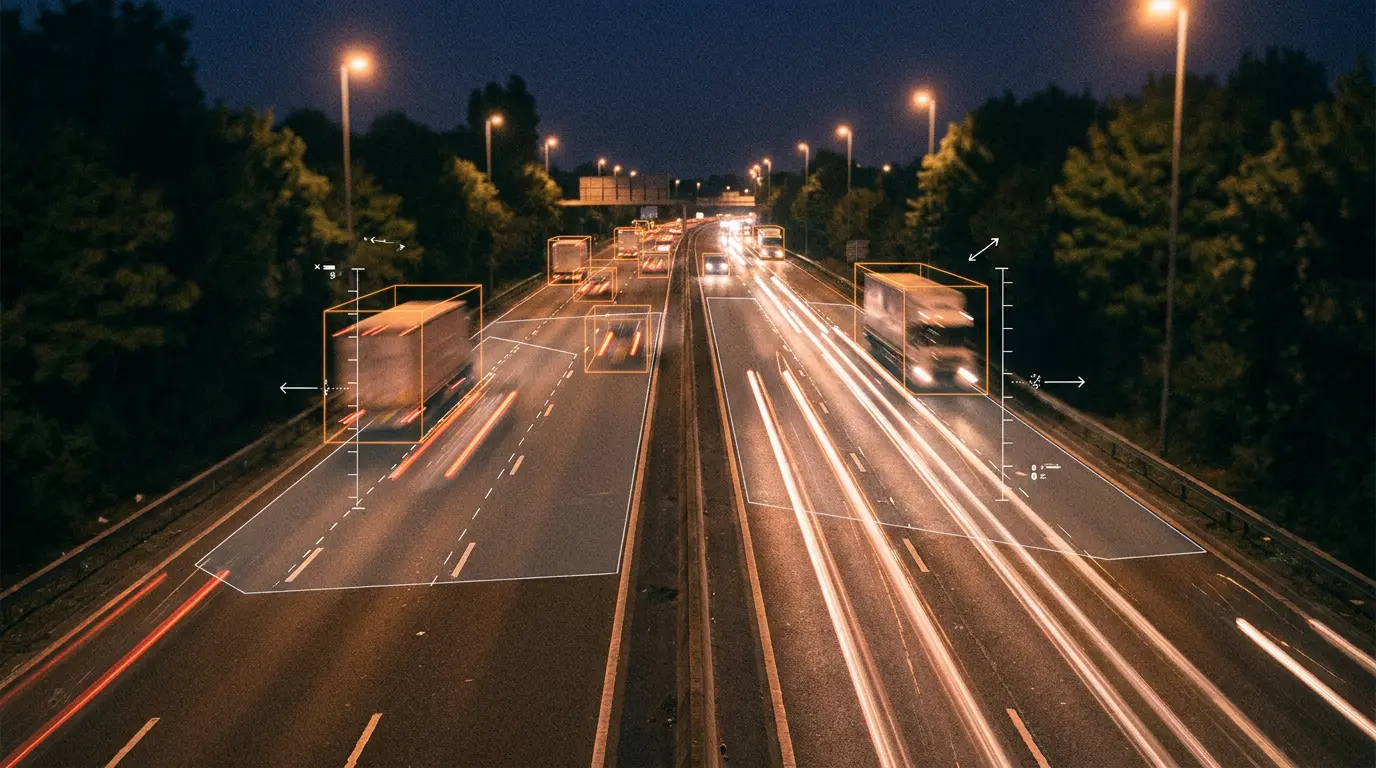
Aim cameras down straight stretches of road with traffic moving away from the lens. This dramatically minimizes headlight glare at night and keeps vehicle outlines visible for analytics.

Small placement changes at install time prevent false negatives when headlights would otherwise wash out the scene.

TrafficVision® TMC, PortObserver™
camera-setupnight-visionglare
Directional and lane-level average speeds

Directional and lane-level average speeds

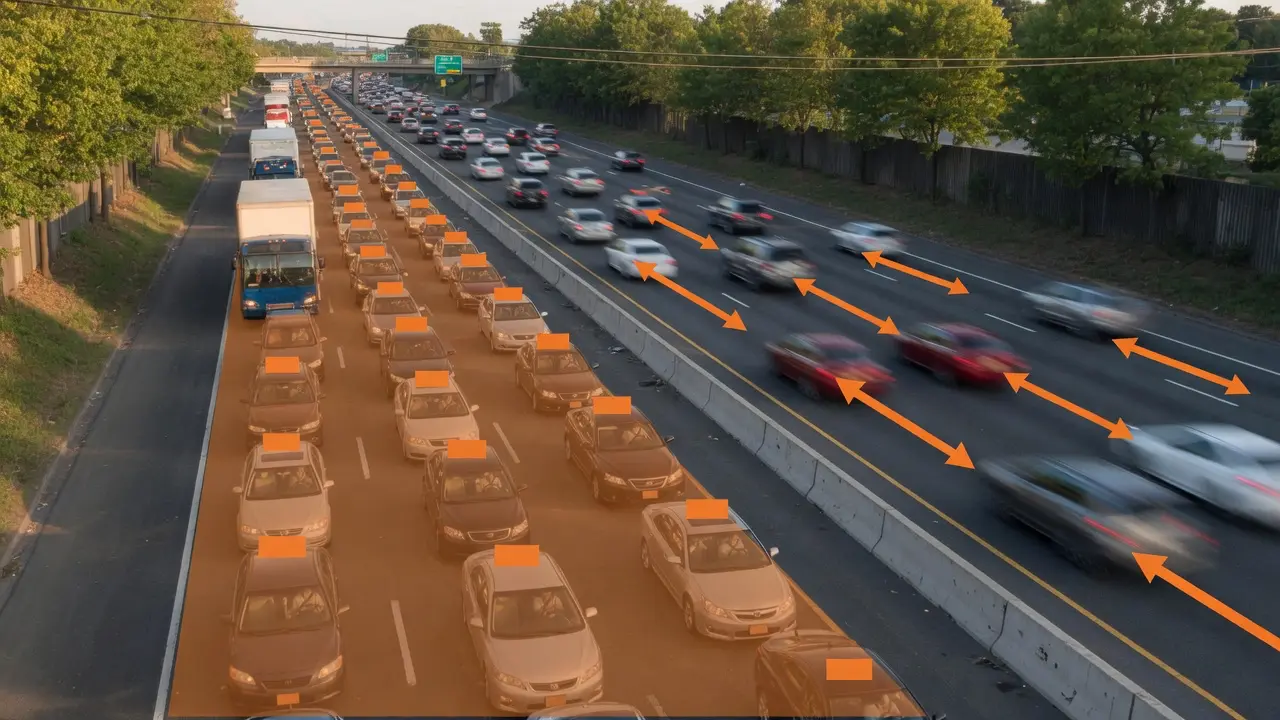
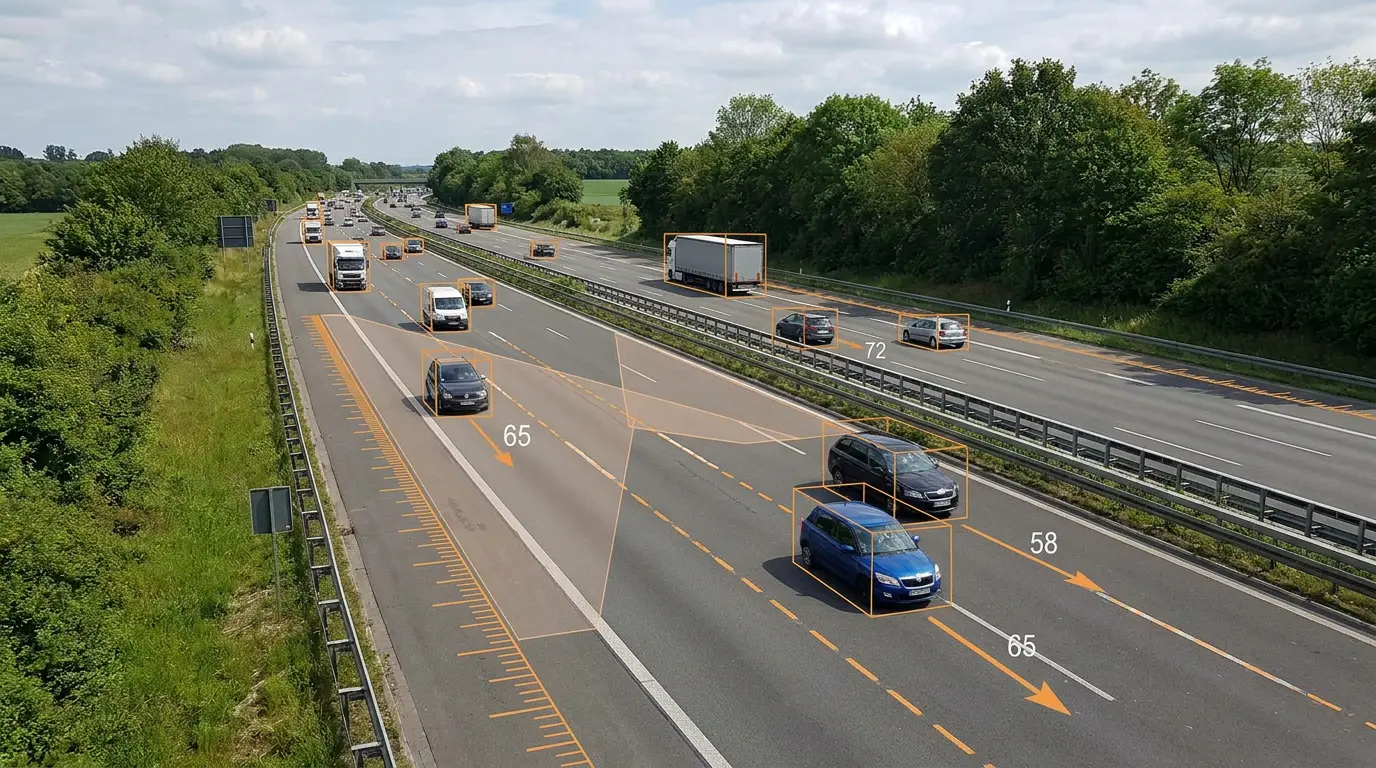
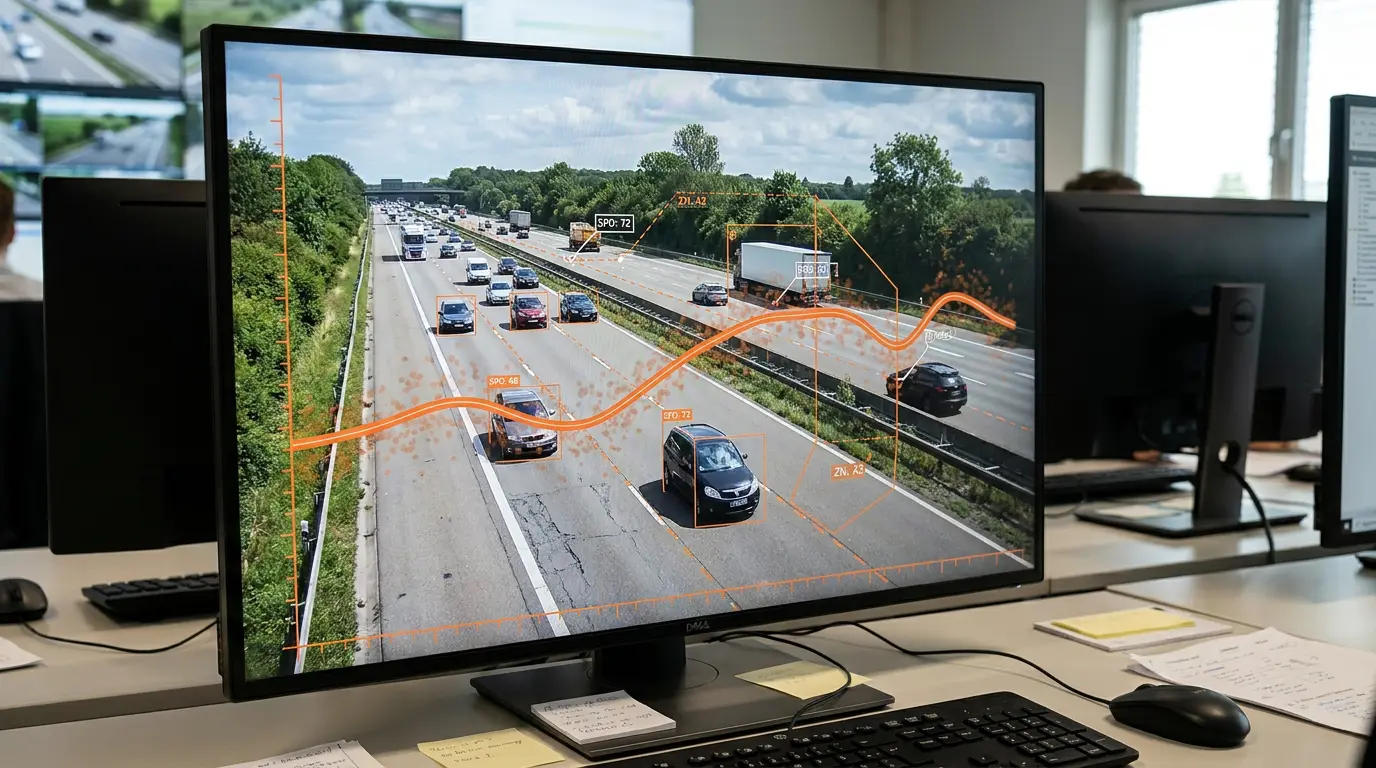
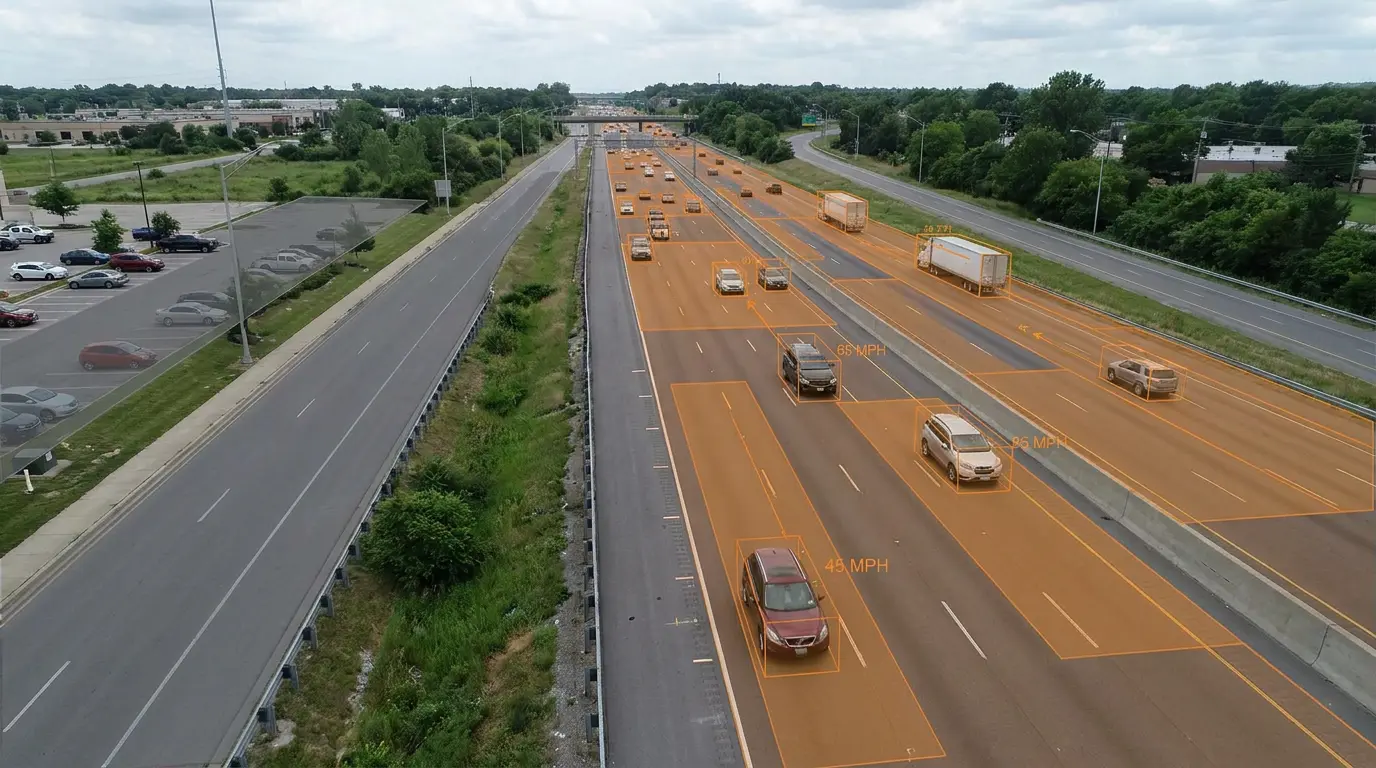
Monitor the average speed of traffic by direction of travel and by individual lane. Eastbound lane 2 slowing while westbound lanes stay free-flow often signals an incident or work zone before queues propagate.

Per-lane, per-direction averages feed signs, 511 feeds, and historical trend reports.

TrafficVision® TMC, PortObserver™
analyticsspeed
End-of-queue warnings to prevent rear-end collisions

End-of-queue warnings to prevent rear-end collisions

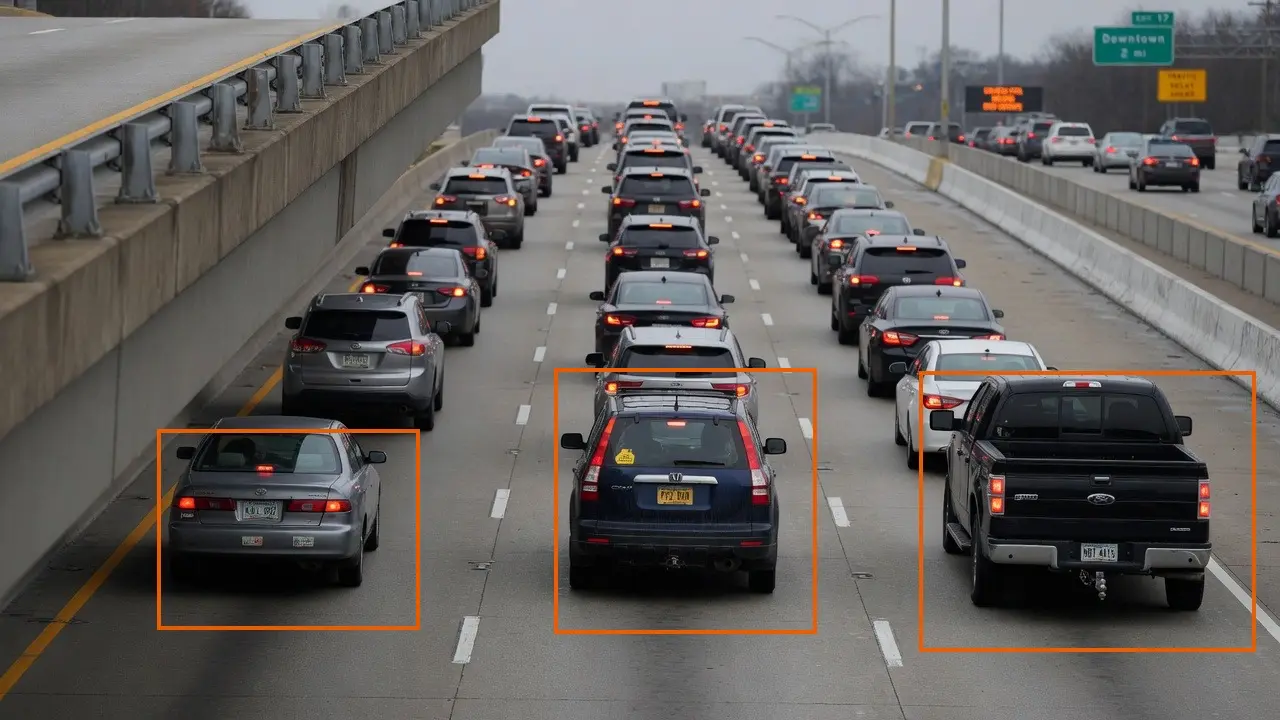
Specifically detect where a traffic jam ends to warn approaching drivers, significantly reducing high-speed rear-end collisions. End-of-queue is a distinct analytic from mid-queue congestion.

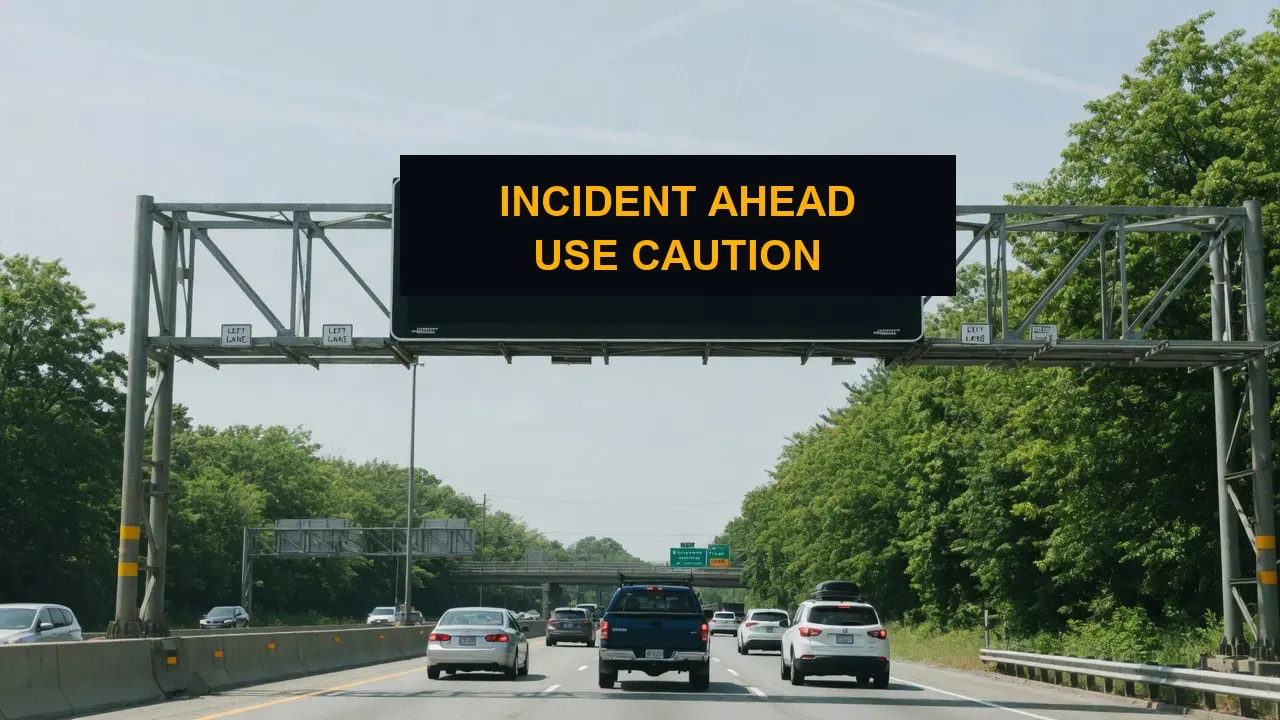
Dynamic message signs can activate when the terminal shockwave location moves.

TrafficVision® TMC, PortObserver™
use-casessafetyqueueing
Entrance ramp flow monitoring

Entrance ramp flow monitoring

Specific capabilities monitor and manage vehicle flow explicitly on busy entrance ramps. Teams see merge pressure, queue length, and speed transitions where mainline incidents often start.

Ramp analytics pair with metering signals and dynamic message signs.

TrafficVision® TMC, PortObserver™
analyticsrampsmetering
Four-class vehicle classification by length

Four-class vehicle classification by length

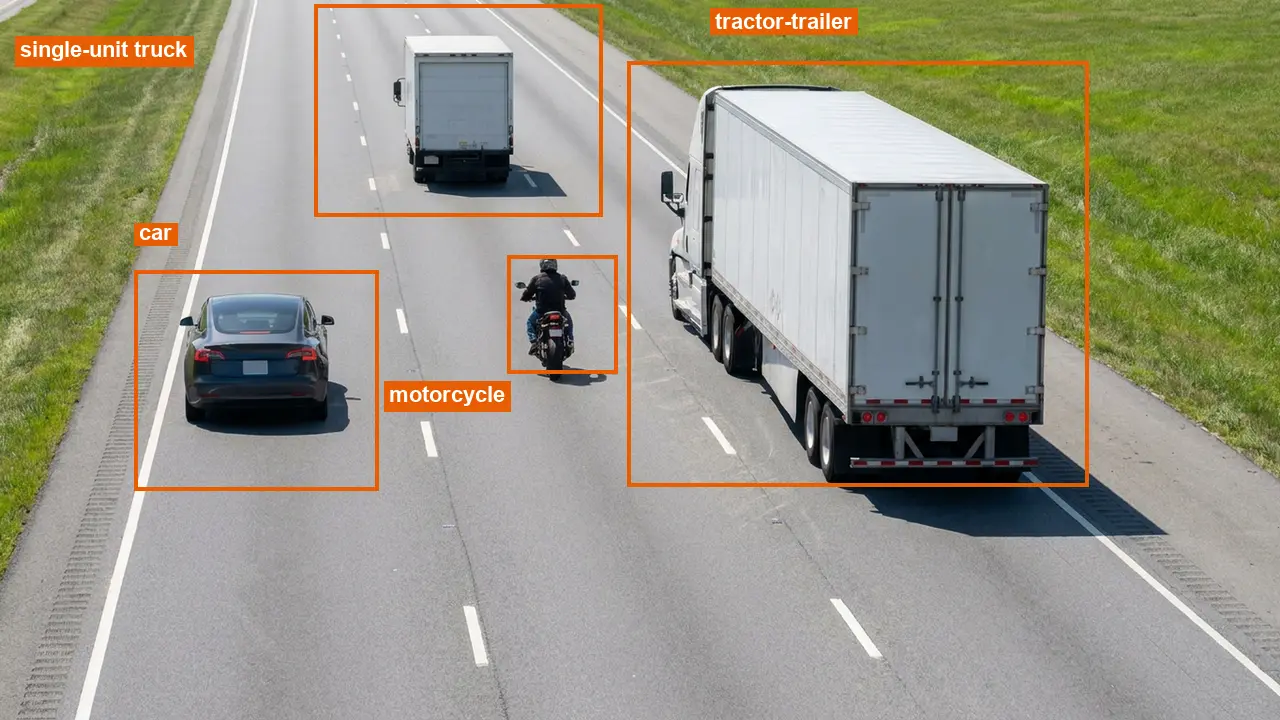
Automatically categorize vehicles into four length-based classes: motorcycles and bikes, cars, medium trucks and buses, and large trucks. Classification enriches volume and speed reports beyond simple car counts.

Toll authorities and freight corridors use class splits for compliance and planning.

TrafficVision® TMC, PortObserver™
analyticsclassification
Geographic scoping for regional AI queries

Geographic scoping for regional AI queries

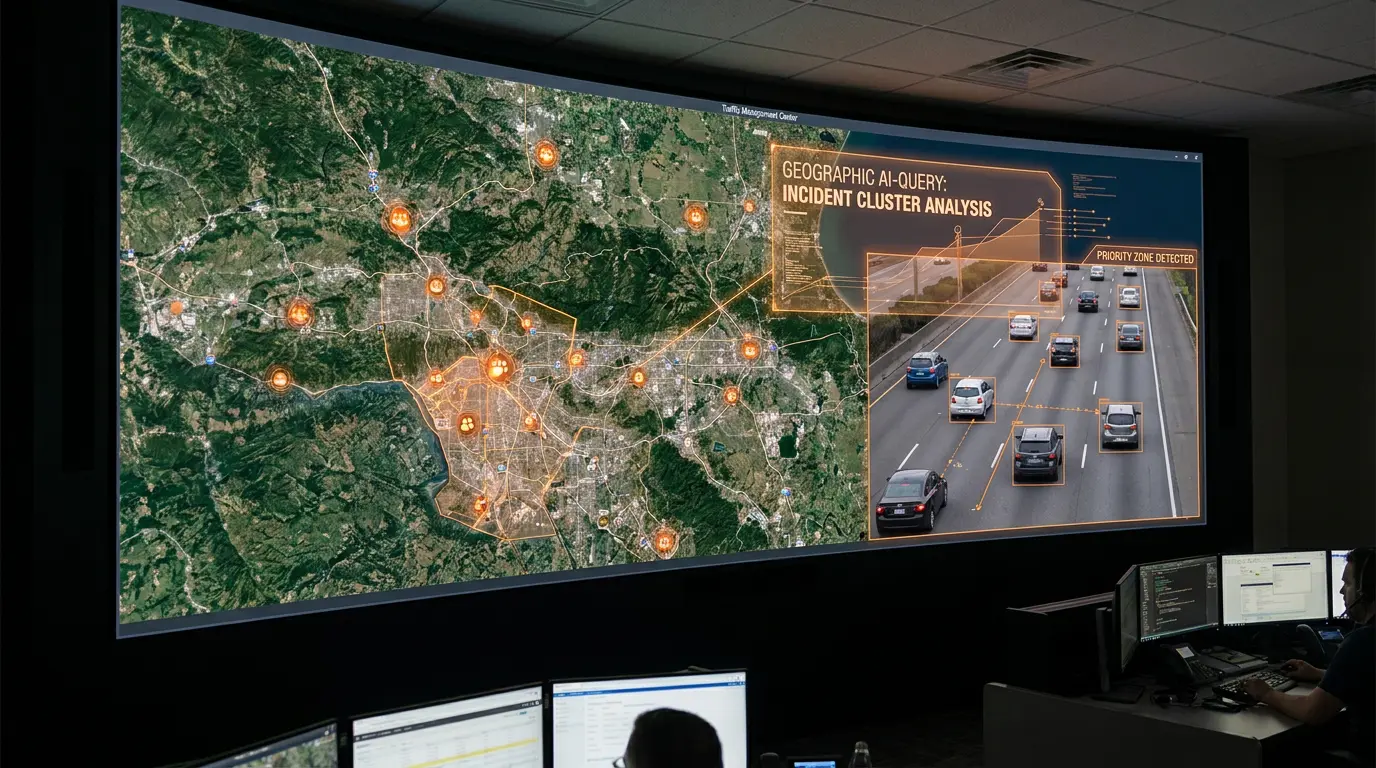
Test specific regions instantly by asking the AI to "Show me a map of stopped vehicle incidents from the past 3 days near Nashville." Geographic scoping filters noise from the rest of the network.

Regional queries accelerate event reviews and media response.

TrafficVision® TMC
gemini-aimapsgeography
Hardware-agnostic RTSP camera support

Hardware-agnostic RTSP camera support

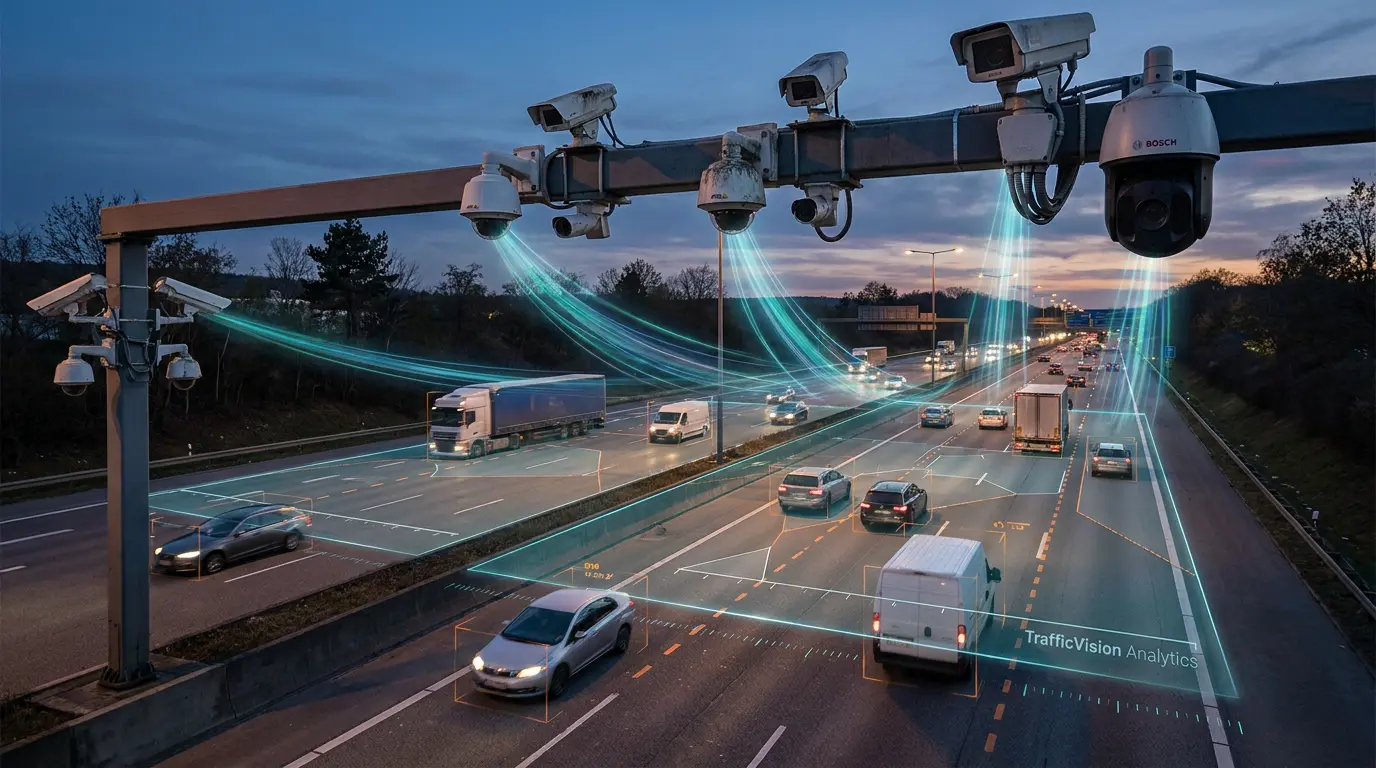
If your camera can output a standard RTSP video stream, TrafficVision can analyze it. The platform is hardware agnostic and has high compatibility with major brands like Axis and Bosch.

Agencies can protect existing camera investments instead of replacing entire fleets to enable consistent AI analytics.

TrafficVision® TMC, PortObserver™
camera-setupintegrationRTSP
Historical trend analysis through AI queries

Historical trend analysis through AI queries

Query the system for trends with Gemini Enterprise Integration: "How do today's incident counts compare to yesterday?" or "Show me the incident trend over the last 5 days as a line chart." Historical context surfaces without building custom reports.

Trend AI prompts support staffing decisions and event post-mortems.

TrafficVision® TMC
gemini-aitrendshistory
HLS live-streaming in the browser client

HLS live-streaming in the browser client

View smooth, modern HLS-based live streaming directly within the TrafficVision browser client. Operators get low-latency video without installing legacy plugins or desktop viewers.

HLS fits standard enterprise networks and content delivery patterns.

TrafficVision® TMC
enterprisestreamingUI
Compare live video to the saved home preset

Compare live video to the saved home preset

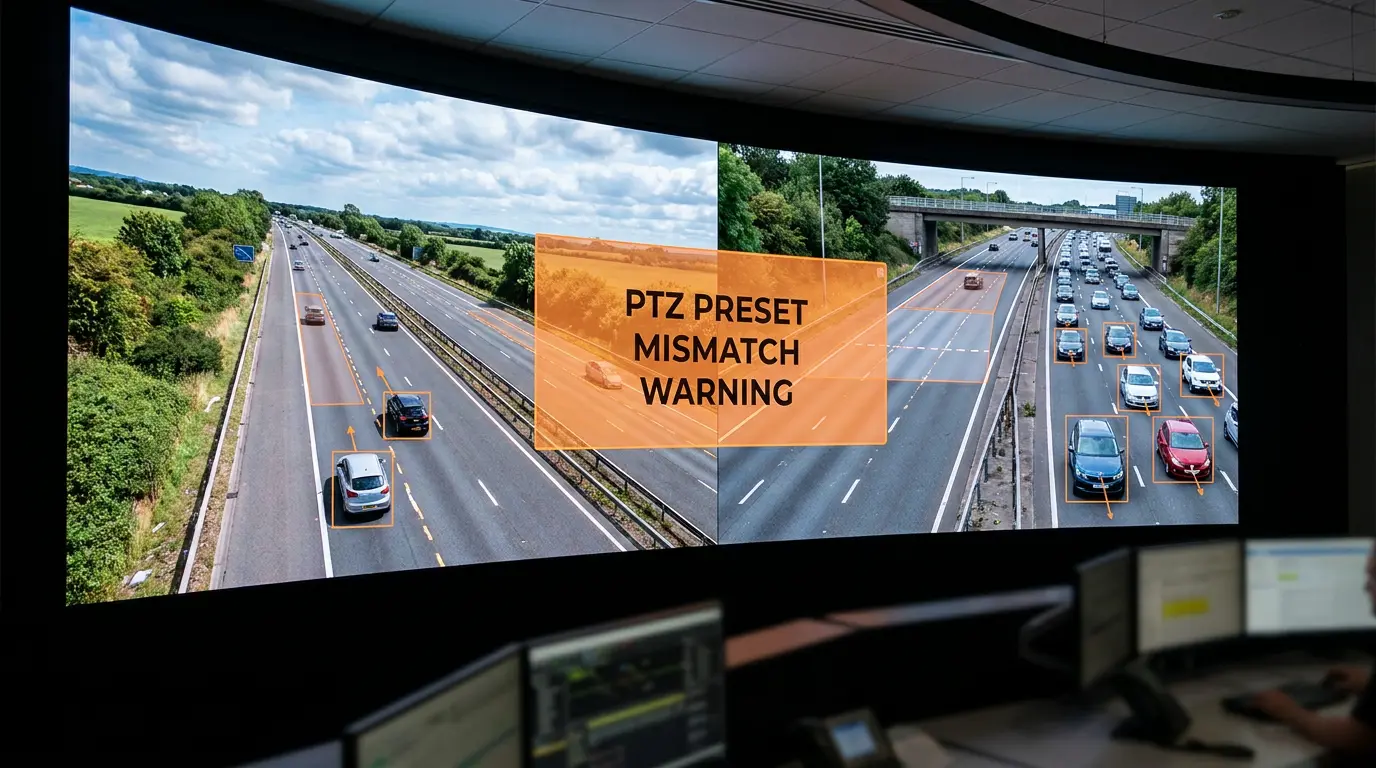
Always compare your live video with the saved preset thumbnail when editing analytic zones to ensure you have not drifted. PTZ creep and wind shake can shift the scene without obvious visual cues.

The home view comparison catches misalignment before bad alerts propagate.

TrafficVision® TMC, PortObserver™
operator-tipscalibrationPTZ
Hurricane evacuation cloud burst scaling

Hurricane evacuation cloud burst scaling

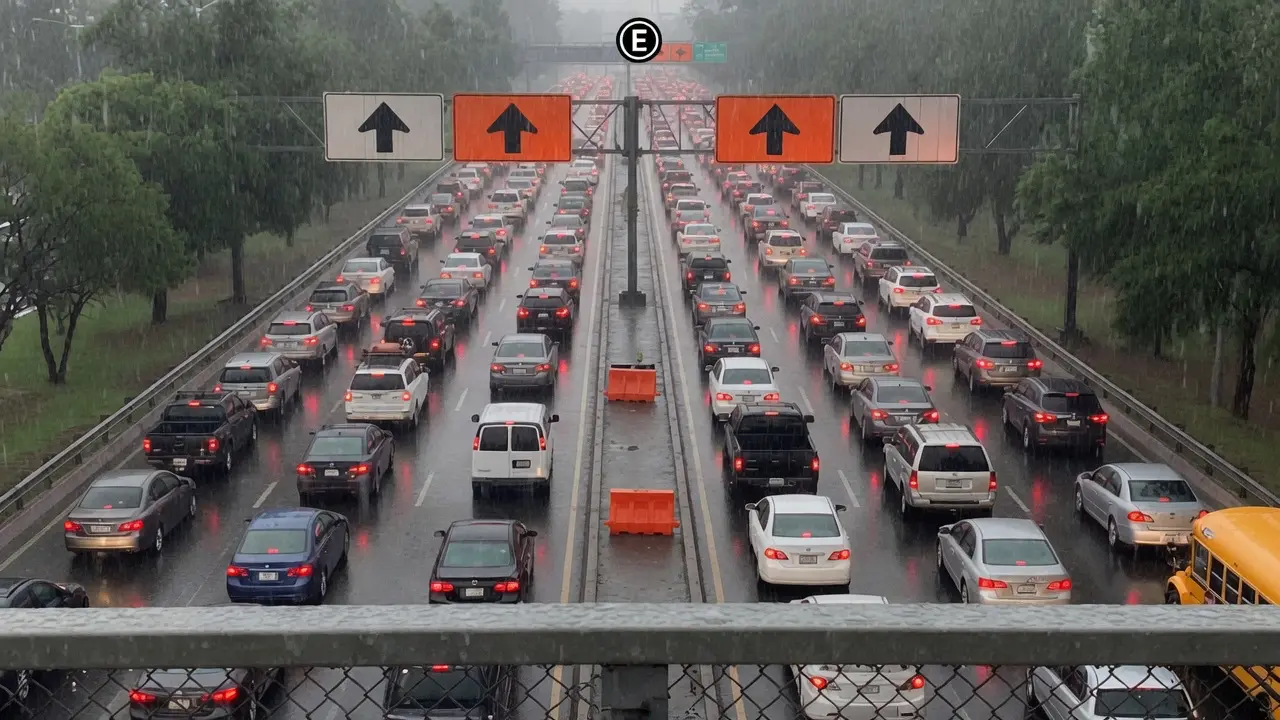
Leverage cloud infrastructure to burst CPU scaling on-demand during mass evacuations. Monitor flow to optimize contraflow lanes when every corridor is under peak load.

Elastic compute keeps analytics online when permanent on-prem capacity would saturate.

TrafficVision® TMC, PortObserver™
use-casesevacuationcloud
Instant image retrieval for recent incidents

Instant image retrieval for recent incidents

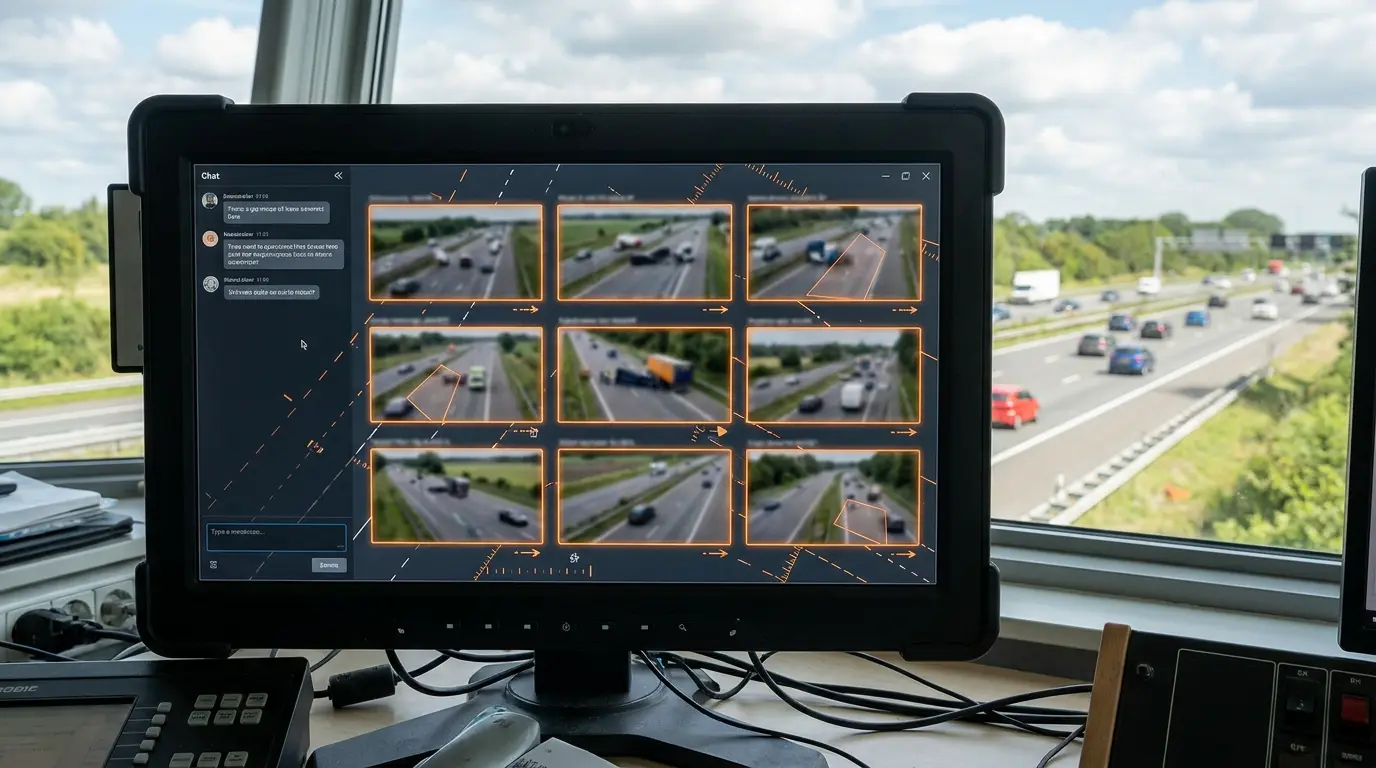
Ask the AI to "Give me the 8 most recent incidents with images" directly in the chat interface. Thumbnail grids appear inline so operators validate events without opening each camera manually.

Image retrieval tightens handoffs between shifts and external agencies.

TrafficVision® TMC
gemini-aiimagesincidents
Instant visual reports from AI chat

Instant visual reports from AI chat

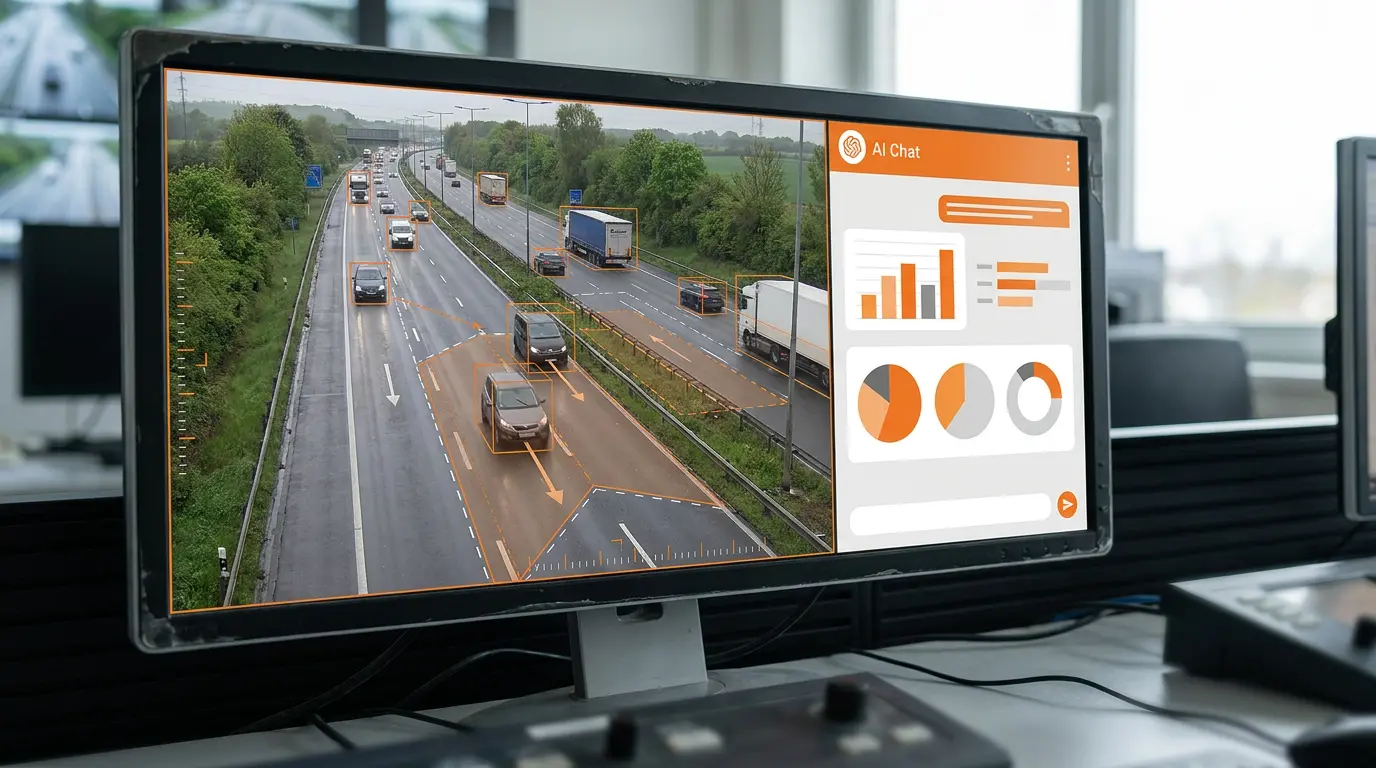
Ask the AI to "Show the slowest cameras right now as a horizontal bar chart" or "Busiest cameras this morning pie chart." Gemini Enterprise Responses render instantly inside the chat workflow.

Visual summaries help brief supervisors without exporting to separate BI tools.

TrafficVision® TMC
gemini-aichartsreporting
Lane-by-lane volume counts

Lane-by-lane volume counts

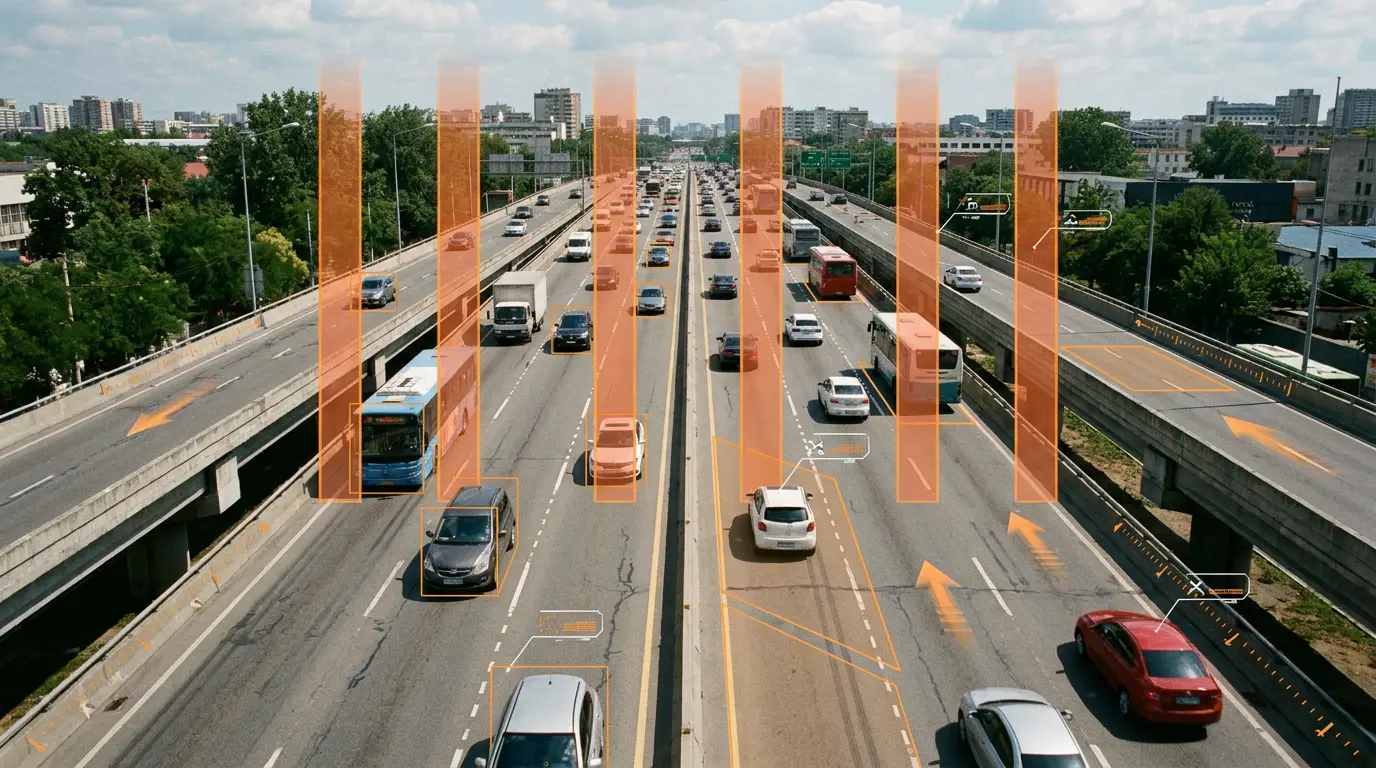
Do not just count the whole highway. TrafficVision delivers highly accurate vehicle volume counts broken down lane-by-lane for capacity studies and real-time dashboards.

Lane-level counts support HOV enforcement planning, toll lane analysis, and incident impact assessment.

TrafficVision® TMC, PortObserver™
analyticsvolumelanes
Lane occupancy percentages for capacity planning

Lane occupancy percentages for capacity planning

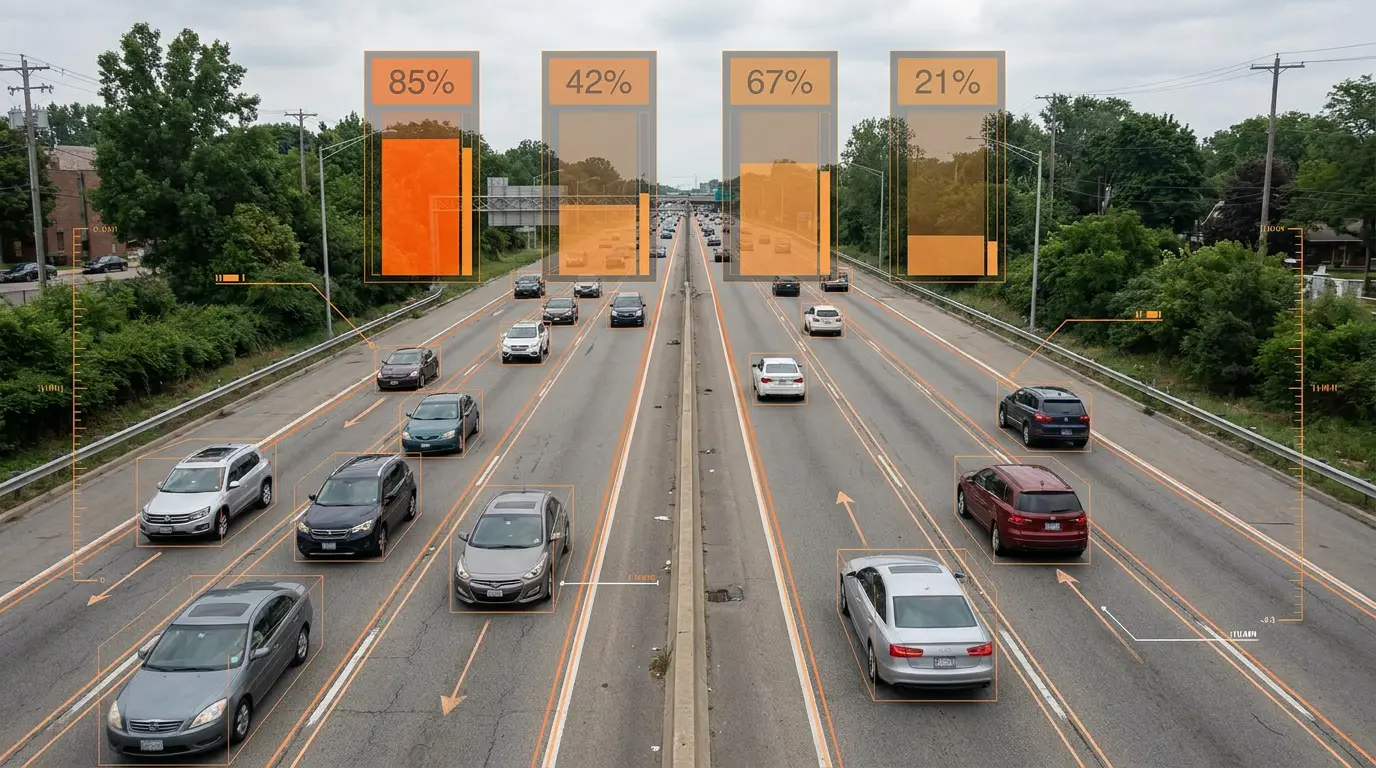
Measure the exact percentage of time a specific lane is occupied. Occupancy complements volume and speed to show when a lane is saturated even if absolute counts look normal.

Planners use occupancy trends to justify widening, metering, or HOV policy changes.

TrafficVision® TMC, PortObserver™
analyticsoccupancycapacity
Low visibility detection for weather events

Low visibility detection for weather events

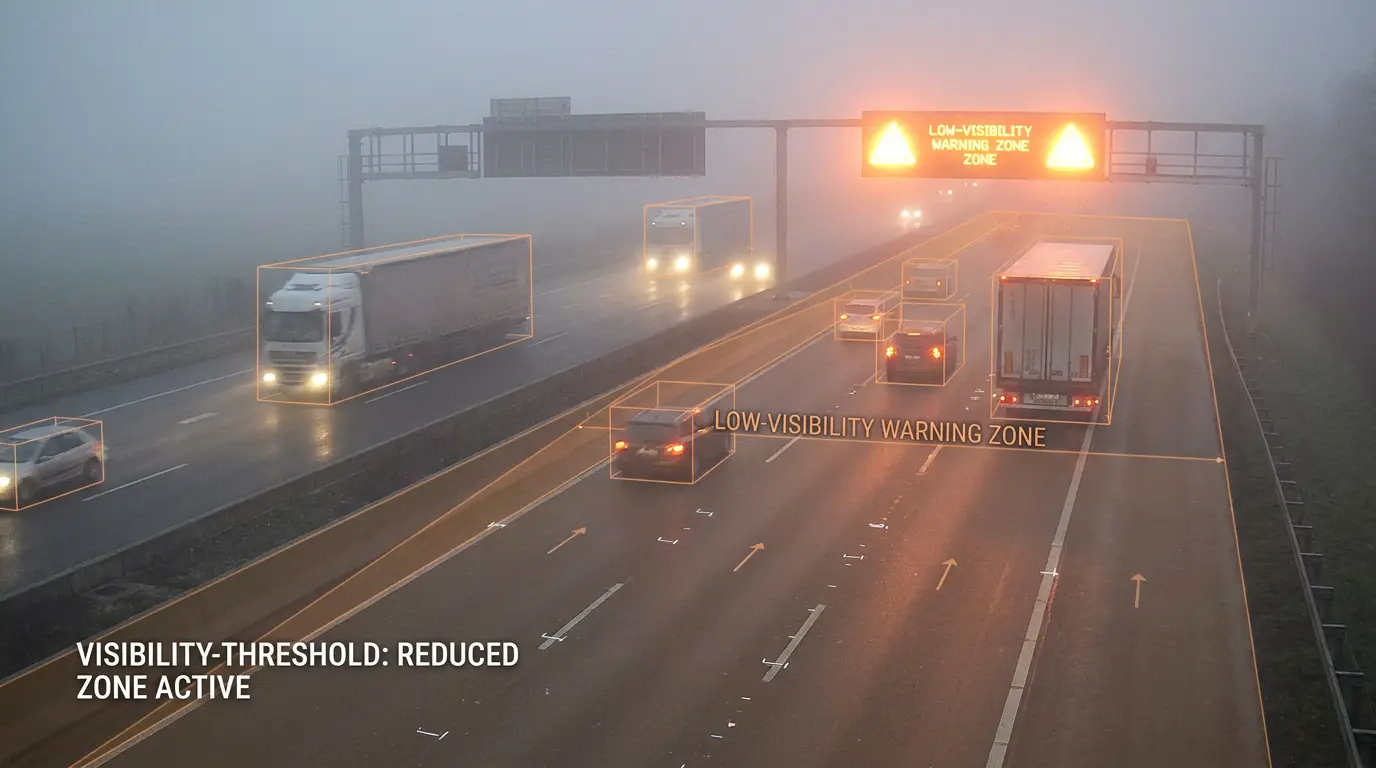
TrafficVision monitors the environment, not just vehicles. The system sends alerts when fog, heavy rain, or snow drops visibility below safe thresholds.

Weather-driven visibility alerts help operators post warnings before speed-related incidents cluster.

TrafficVision® TMC, PortObserver™
ai-detectionweathersafety
Map and video tab stay in sync

Map and video tab stay in sync

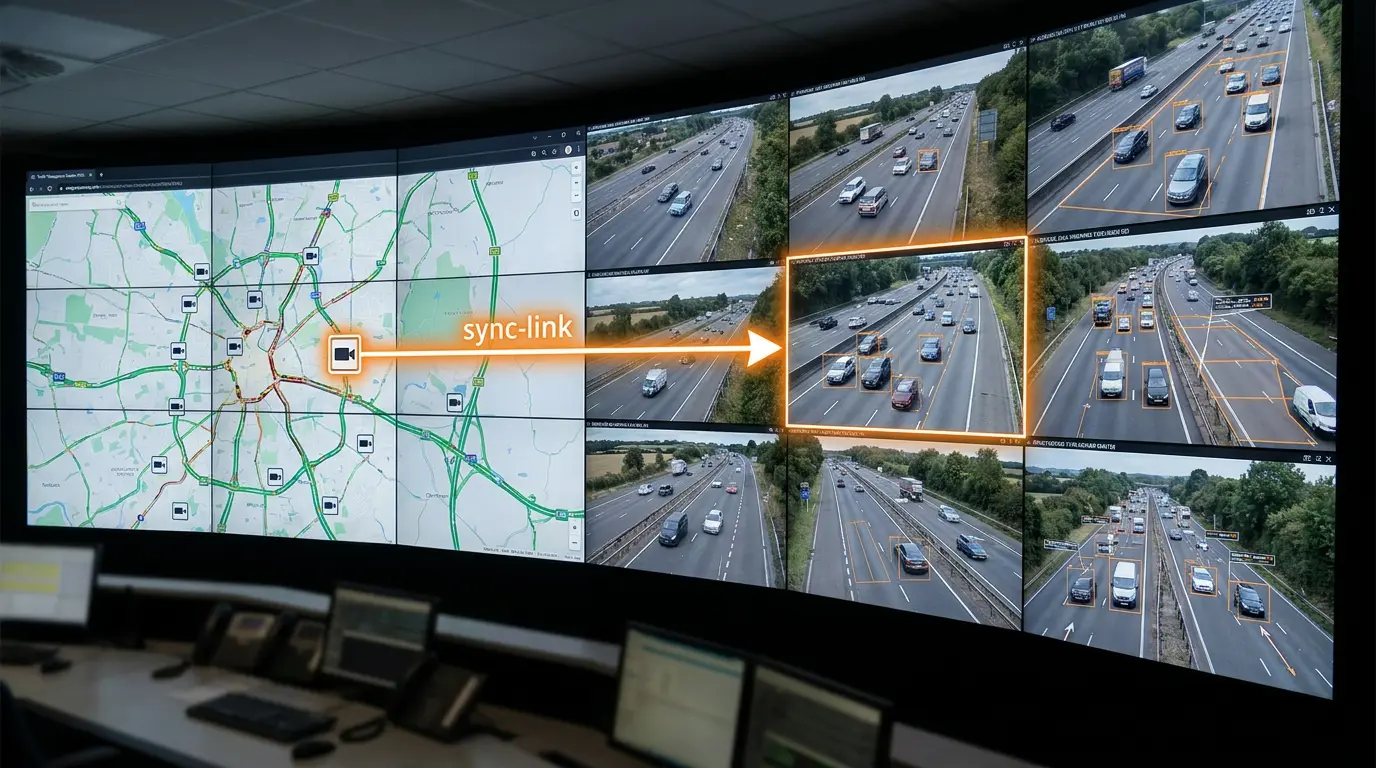
Clicking a camera on the map tab instantly updates the active camera on your video tab, and vice versa. Operators pivot between geographic context and live video without re-searching the camera list.

Use sync during incident call-downs to keep the room aligned on the same feed.

TrafficVision® TMC
operator-tipsUI
Match the known length to each preset view

Match the known length to each preset view

Keep the calibrated known length consistent with the preset view to ensure speed data remains highly accurate. Each PTZ preset has different pixel-to-meter scaling.

Revalidate known length after major zoom or aim changes.

TrafficVision® TMC, PortObserver™
operator-tipscalibrationspeed
Multi-factor authentication for infrastructure access

Multi-factor authentication for infrastructure access

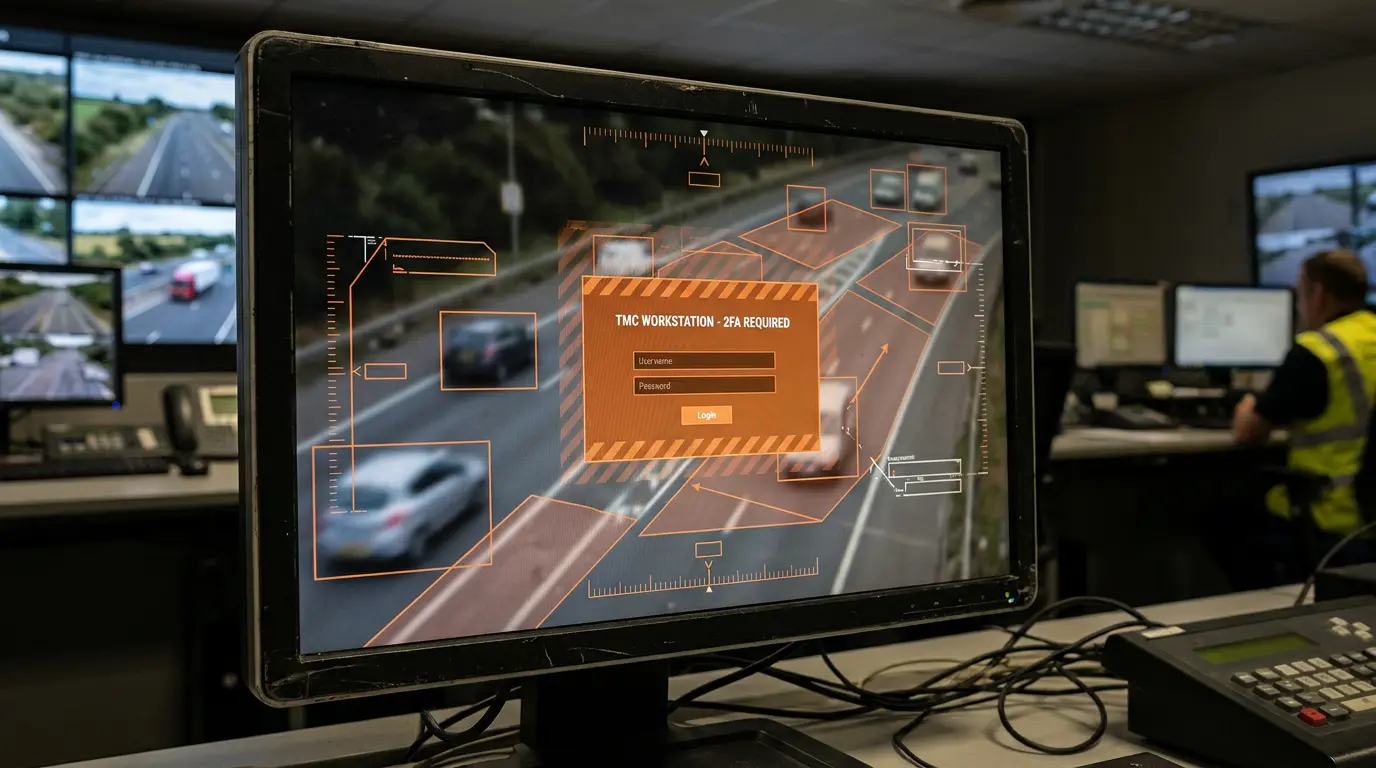
Ensure only authorized personnel can access critical infrastructure data by enforcing MFA across all accounts. Layer MFA on top of SSO for defense in depth in TMC and field laptop environments.

Agencies align with modern zero-trust expectations without bolting on separate tools.

TrafficVision® TMC, PortObserver™
enterprisesecurityMFA
Multi-region processing for smaller debris

Multi-region processing for smaller debris

If you need to catch smaller debris, enable multi-region processing. It requires slightly more CPU but delivers higher accuracy at a distance on long zoomed views.

Use on mountain passes and freight corridors where small road hazards matter.

TrafficVision® TMC, PortObserver™
operator-tipsdebris
Handle non-standard camera angles with improved calibration

Handle non-standard camera angles with improved calibration

Recent UI updates include an improved calibration model that easily handles non-standard camera angles. Cameras mounted on curves, bridges, or legacy poles can still produce reliable detections.

Teams can bring older infrastructure online without expensive re-aiming projects.

TrafficVision® TMC, PortObserver™
camera-setupcalibration
Over-height truck verification with laser sensors

Over-height truck verification with laser sensors

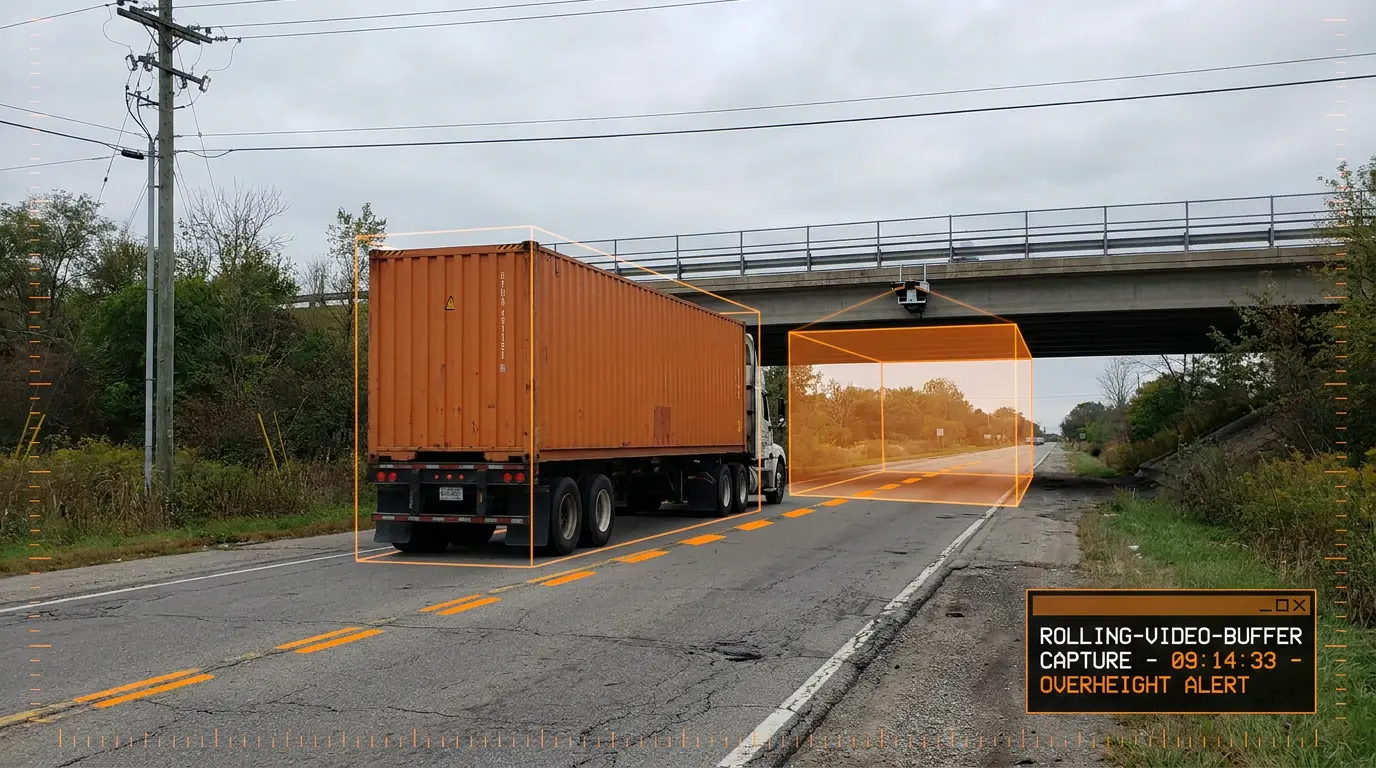
Integrate with roadside laser height sensors. When a truck trips the laser, TrafficVision saves the rolling video buffer for visual proof. Enforcement teams review over-height events with synchronized video evidence.

Bridge strike prevention programs gain auditable documentation.

TrafficVision® TMC, PortObserver™
use-casesenforcementbridges
Pedestrian detection on shoulders and in tunnels

Pedestrian detection on shoulders and in tunnels

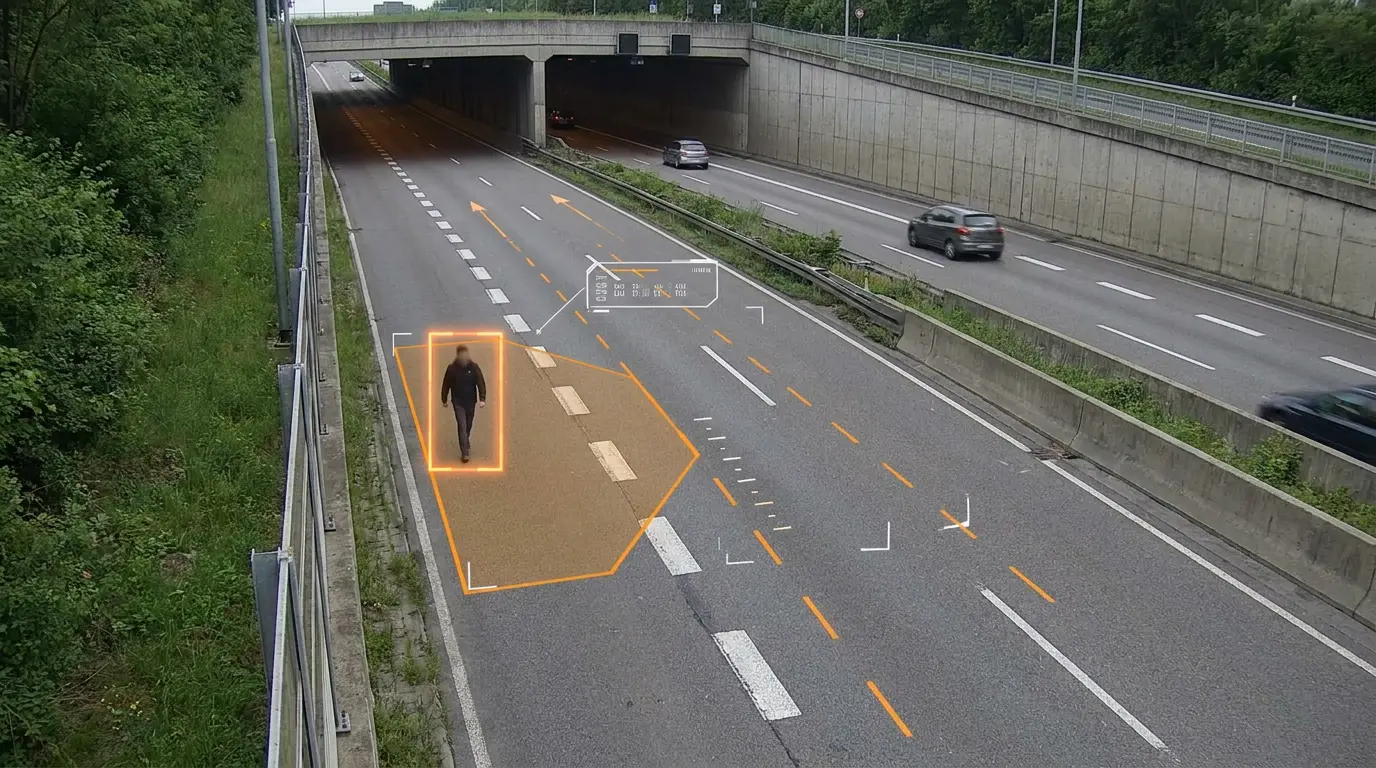
Identify pedestrians walking on highway shoulders or in dangerous tunnel corridors where they should not be. Dedicated zones focus analytics on high-risk areas without flooding operators with unrelated motion.

Early pedestrian alerts enable faster response before a vehicle-pedestrian conflict occurs.

TrafficVision® TMC, PortObserver™
ai-detectionsafetypedestrian
Polygon exclusion zones for adjacent traffic

Polygon exclusion zones for adjacent traffic

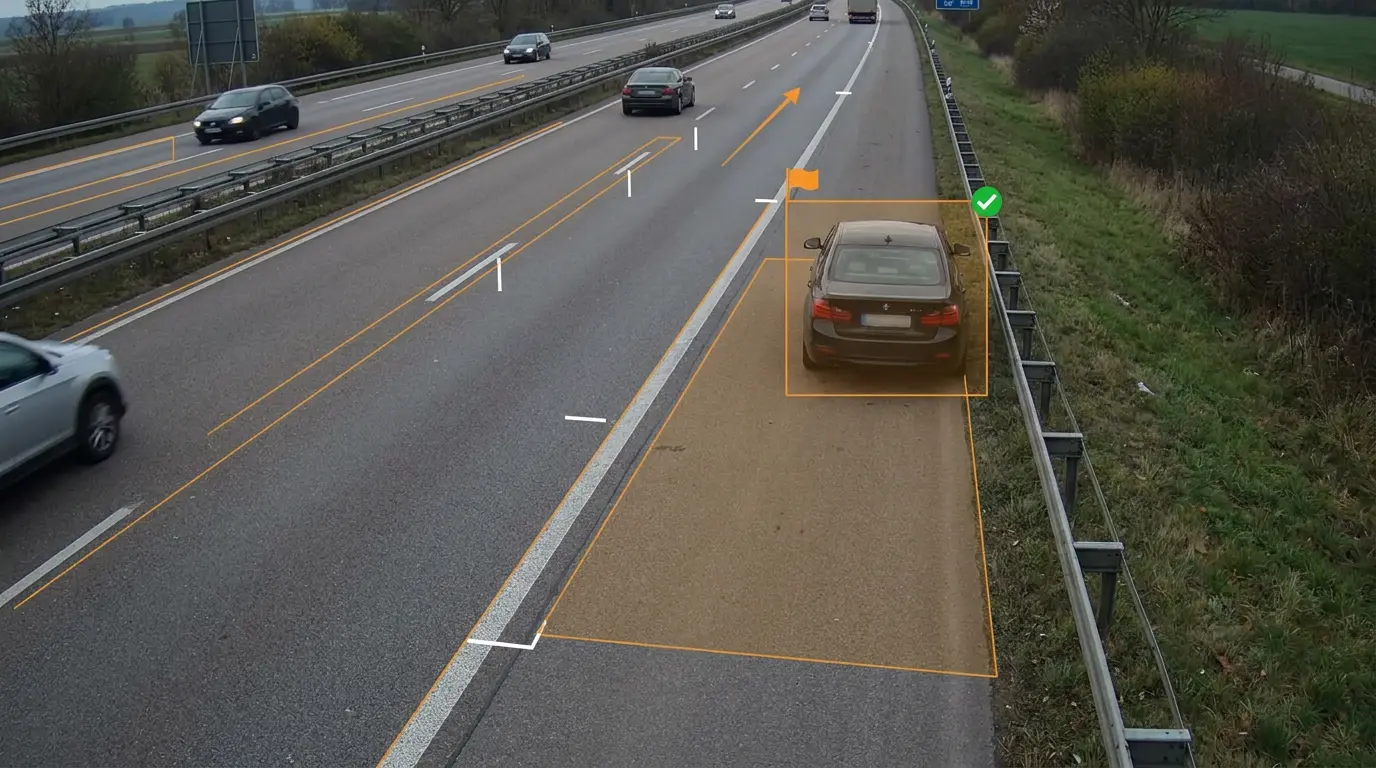
Use polygon exclusion zones to tell the AI what to ignore. Block out traffic on adjacent frontage roads, nearby parking lots, or any area that should not trigger alerts.

Precise shapes reduce false positives without narrowing the main analytic corridor.

TrafficVision® TMC, PortObserver™
camera-setupzones
Pre-roll incident video for full context

Pre-roll incident video for full context

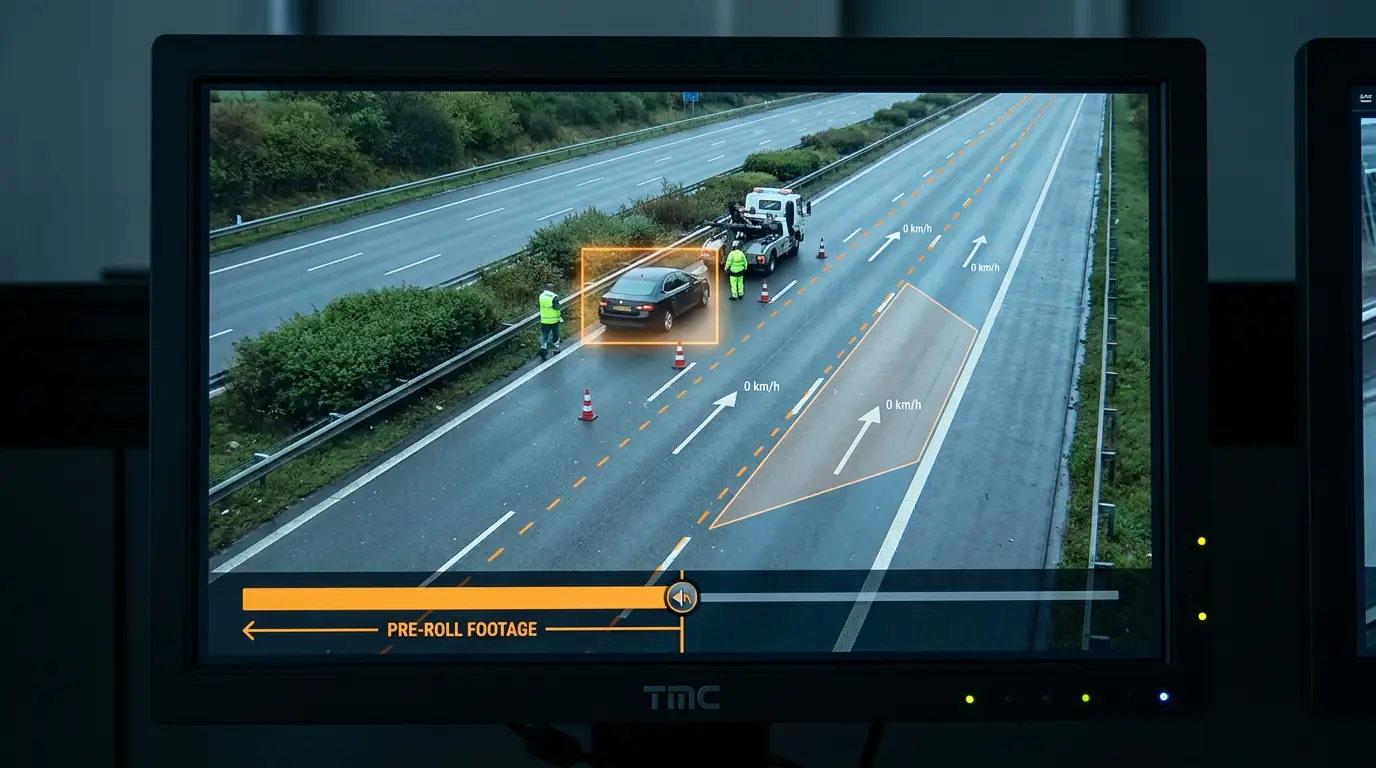
When a Stopped Vehicle alert triggers, TrafficVision automatically pulls the recording from before the vehicle came to a halt. Operators see the full context: how traffic slowed, lane changes, and possible causes.

Pre-roll clips speed-up triage and improve handoffs to first responders.

TrafficVision® TMC, PortObserver™
ai-detectionincidentsvideo
Preset edit warnings for PTZ operators

Preset edit warnings for PTZ operators

The UI automatically warns operators if they attempt to edit or update an analytic zone for a preset when the camera is not currently looking at that exact preset view.

This prevents misaligned zones that would silently fail once the PTZ moves.

TrafficVision® TMC, PortObserver™
camera-setupPTZUI
Prioritize congestion over queue detection on highways

Prioritize congestion over queue detection on highways

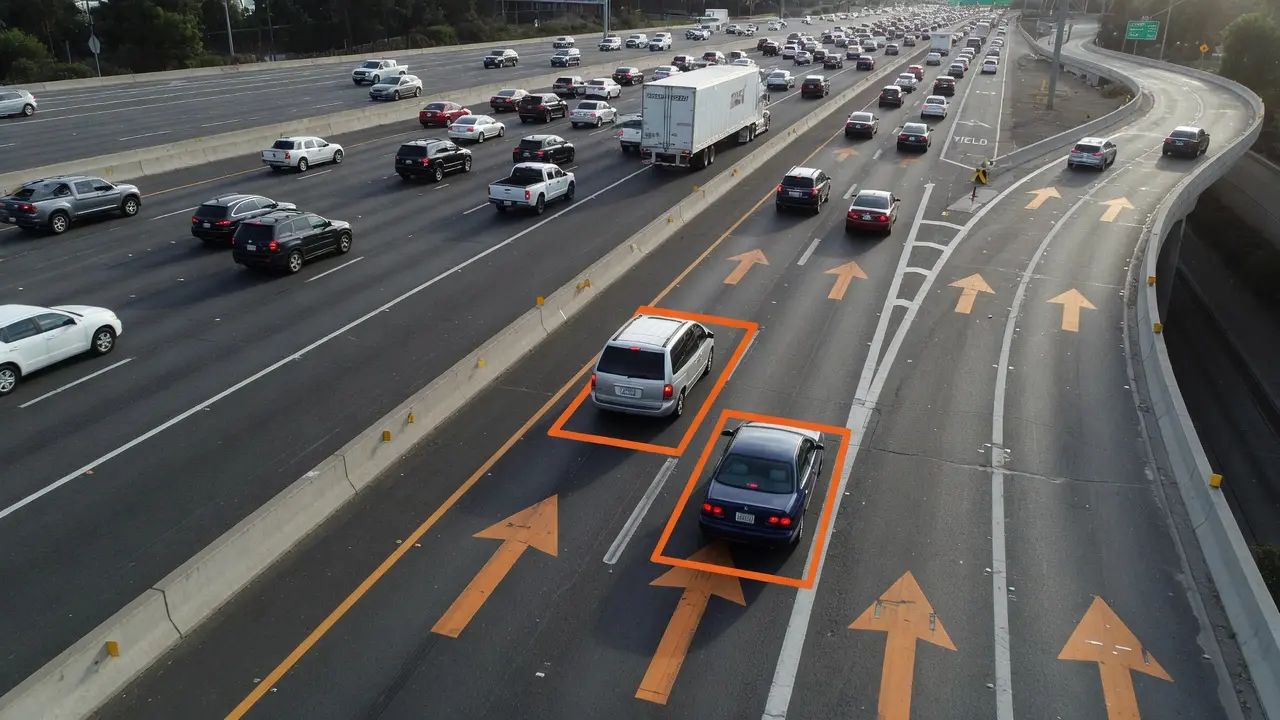
For better performance on highways, rely on Congestion Detection rather than strictly Queue Detection. Mainline slowdown patterns are more stable at speed than short spatial queues.

Tune queue detection for ramps and work zones where stop-and-go geometry dominates.

TrafficVision® TMC, PortObserver™
operator-tipscongestion
100% privacy-compliant local inference

100% privacy-compliant local inference

With TrafficVision, agencies decide where AI inference runs: on the edge, on your infrastructure, or in our secure hosted cloud. You maintain full control and custody of your traffic video, with no data shared with third parties, while still getting powerful real-time analytics.

Agencies keep custody of sensitive traffic video while still gaining real-time analytics.

TrafficVision® TMC, PortObserver™
ai-detectionprivacysecurity
PTZ auto-recalibration across eight preset views

PTZ auto-recalibration across eight preset views

Unlike many competitors, TrafficVision handles Pan-Tilt-Zoom cameras. The system stores up to eight preset views per camera and automatically recalibrates analytics when the camera moves to a known preset.

Operators keep PTZ flexibility without manually re-drawing zones every time the lens moves.

TrafficVision® TMC, PortObserver™
camera-setupPTZcalibration
Retail drive-thru service analytics

Retail drive-thru service analytics

Apply world-class vehicle tracking to retail environments to measure drive-thru service times, queue lengths, and throughput. BayTracker® brings transportation-grade tracking to service lanes.

Operators compare peak-hour performance across stores without manual timer studies.

BayTracker®
use-casesdrive-thruretail
Robust averages that ignore shoulder outliers

Robust averages that ignore shoulder outliers

The system UI utilizes a robust average, pruning the 25th to 75th percentile, so anomalies like a single car parked on a shoulder for hours do not skew overall speed and flow data.

Reports reflect typical traffic conditions operators actually care about.

TrafficVision® TMC, PortObserver™
analyticsspeeddata-quality
Single sign-on with Azure AD, Google, and Ping

Single sign-on with Azure AD, Google, and Ping

Secure your traffic data with modern authentication. TrafficVision fully supports SSO providers like Azure AD, Google, and Ping Identity.

Centralized identity management simplifies onboarding, offboarding, and audit compliance.

TrafficVision® TMC, PortObserver™
enterprisesecuritySSO
Smart city sensor fusion with video analytics

Smart city sensor fusion with video analytics

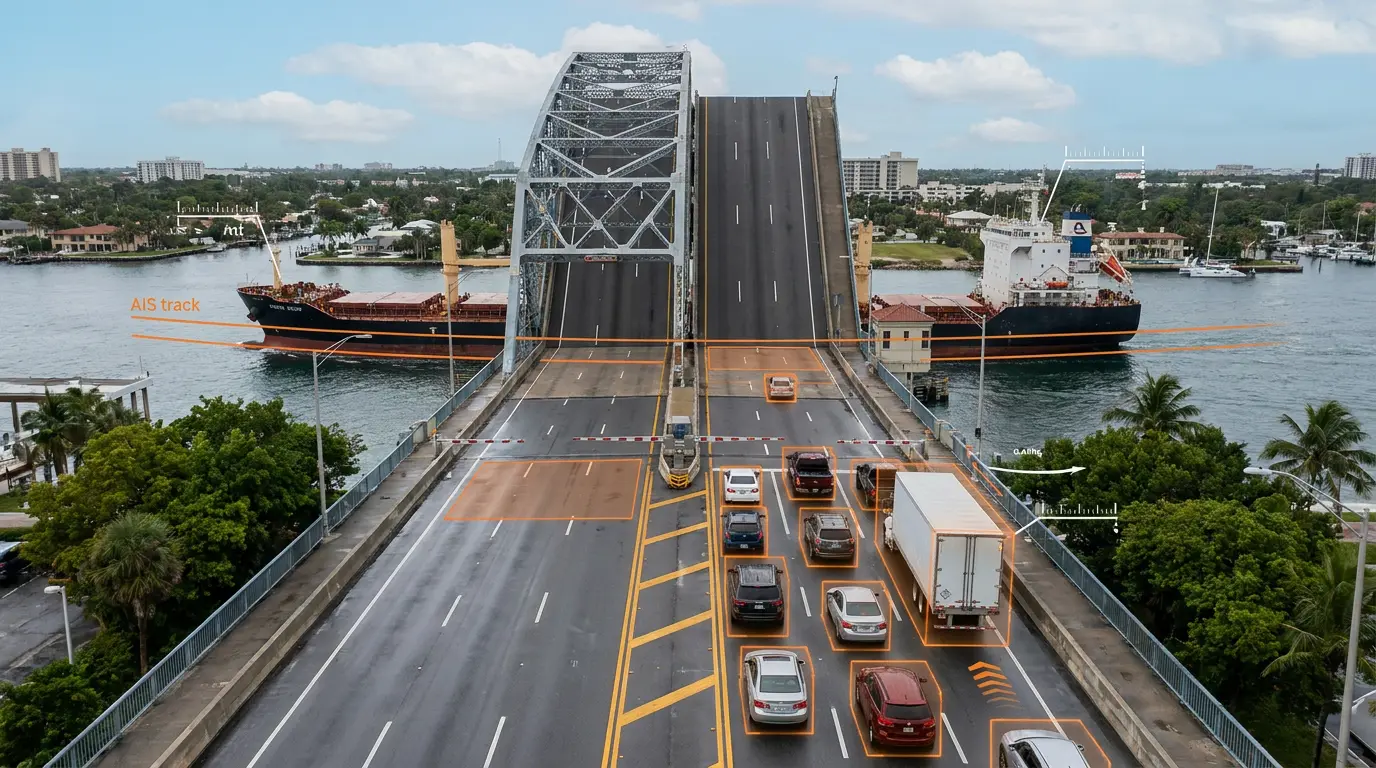
Overlay TrafficVision video data with external telemetry such as Google RMI or AIS maritime data. Coordinate drawbridges with incoming ship traffic while watching approach queues on the roadway.

Sensor fusion gives operators one situational picture instead of disconnected feeds.

TrafficVision® TMC, PortObserver™
use-casessensor-fusionsmart-city
Start with AI Verified turned on

Start with AI Verified turned on

Leave AI Verification turned on. It is the default in 3.5.0+ and drastically reduces false positives before they ever reach an operator's desk.

Only disable verification temporarily during controlled testing mode sessions.

TrafficVision® TMC, PortObserver™
operator-tipsverification
Sub-second incident API delivery

Sub-second incident API delivery

The /incidents API endpoint ensures life-saving alerts reach operators and ATMS boards in near real-time. Event payloads are compact, reducing network bandwidth compared with streaming full video for every update.

Integrators can wire TrafficVision into existing response workflows without latency bottlenecks.

TrafficVision® TMC, PortObserver™
ai-detectionAPIintegration
Temporary work zones on portable trailer cameras

Temporary work zones on portable trailer cameras

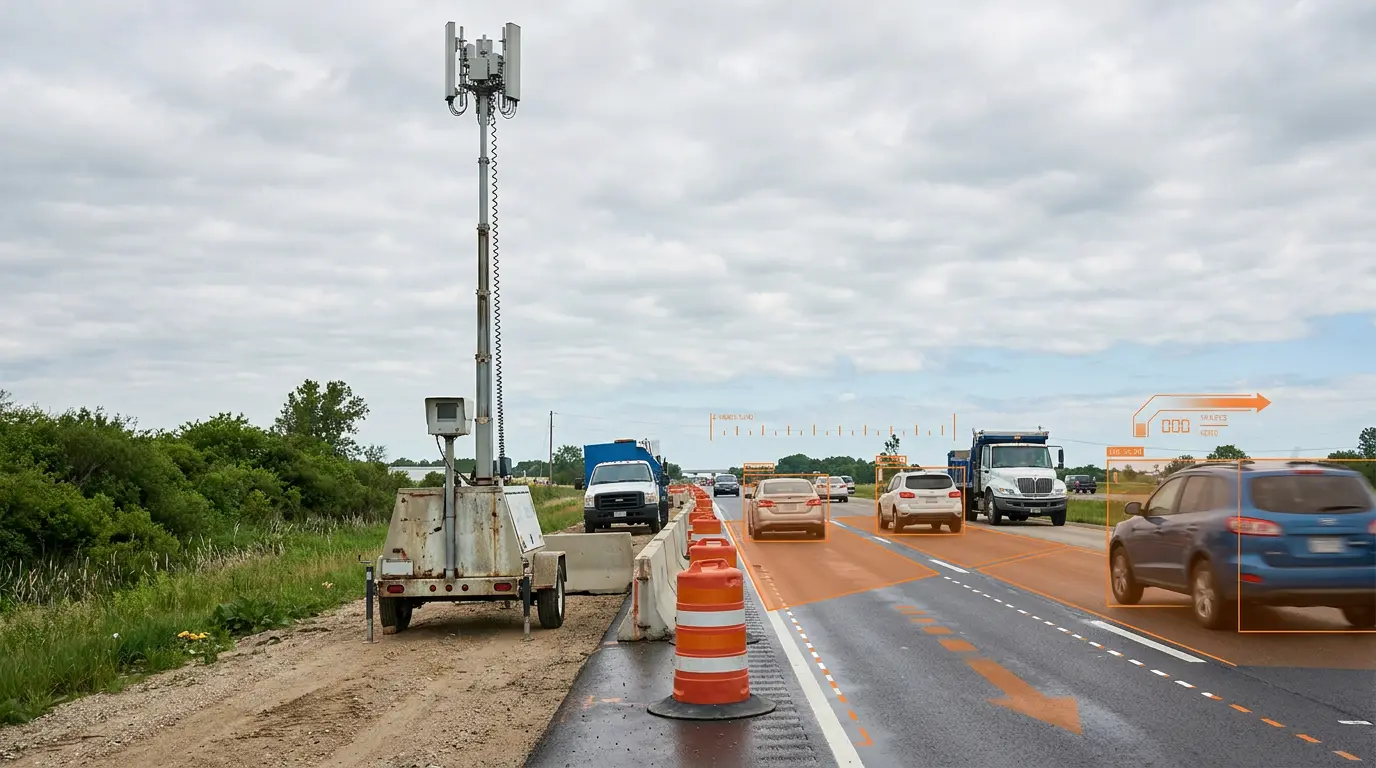
Deploy TrafficVision on portable roadside trailer cameras with cellular modems to gather volume counts and queue detection during construction. Temporary projects get the same analytics stack as permanent installations.

Agencies measure queue impacts and document contractor lane closure performance.

TrafficVision® TMC, PortObserver™
use-caseswork-zoneconstruction
Testing mode for safe zone tuning

Testing mode for safe zone tuning

Use Testing Mode to fine-tune new detection zones and parameters safely. Changes stay sandboxed so premature or false alerts never reach your live ATMS board.

Operators can iterate on confidence thresholds and zone shapes before promoting configs to production.

TrafficVision® TMC, PortObserver™
camera-setupoperations
Detect stopped vehicles up to 1,000 feet away

Detect stopped vehicles up to 1,000 feet away

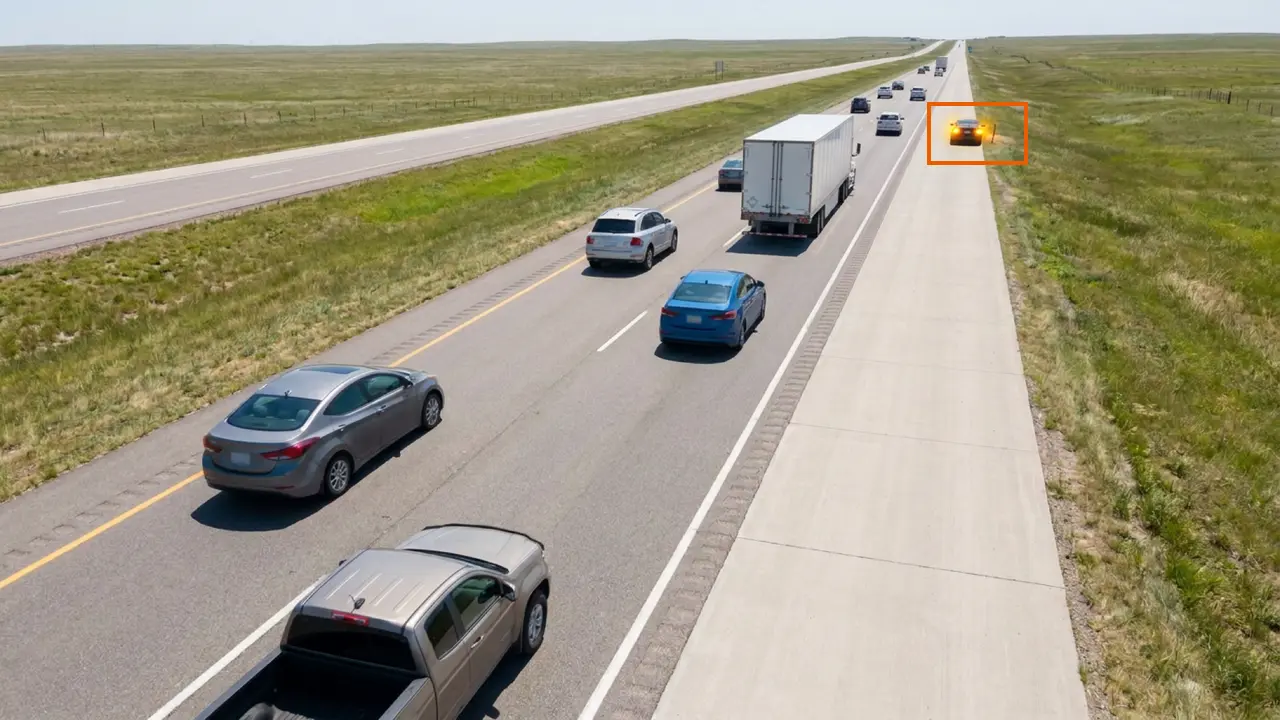
With a 50-foot mounting height and an unobstructed view, TrafficVision can achieve greater than 95% accuracy for detecting stopped vehicles up to 1,000 feet away. That reach matters on long straightaways where incidents develop before operators can react.

Pair the mount height with lens selection and calibration so the analytic zone covers the full detection corridor without clipping the horizon.

TrafficVision® TMC, PortObserver™
camera-setupdetectionstopped-vehicle
Tollway revenue auditing with lane-level counts

Tollway revenue auditing with lane-level counts

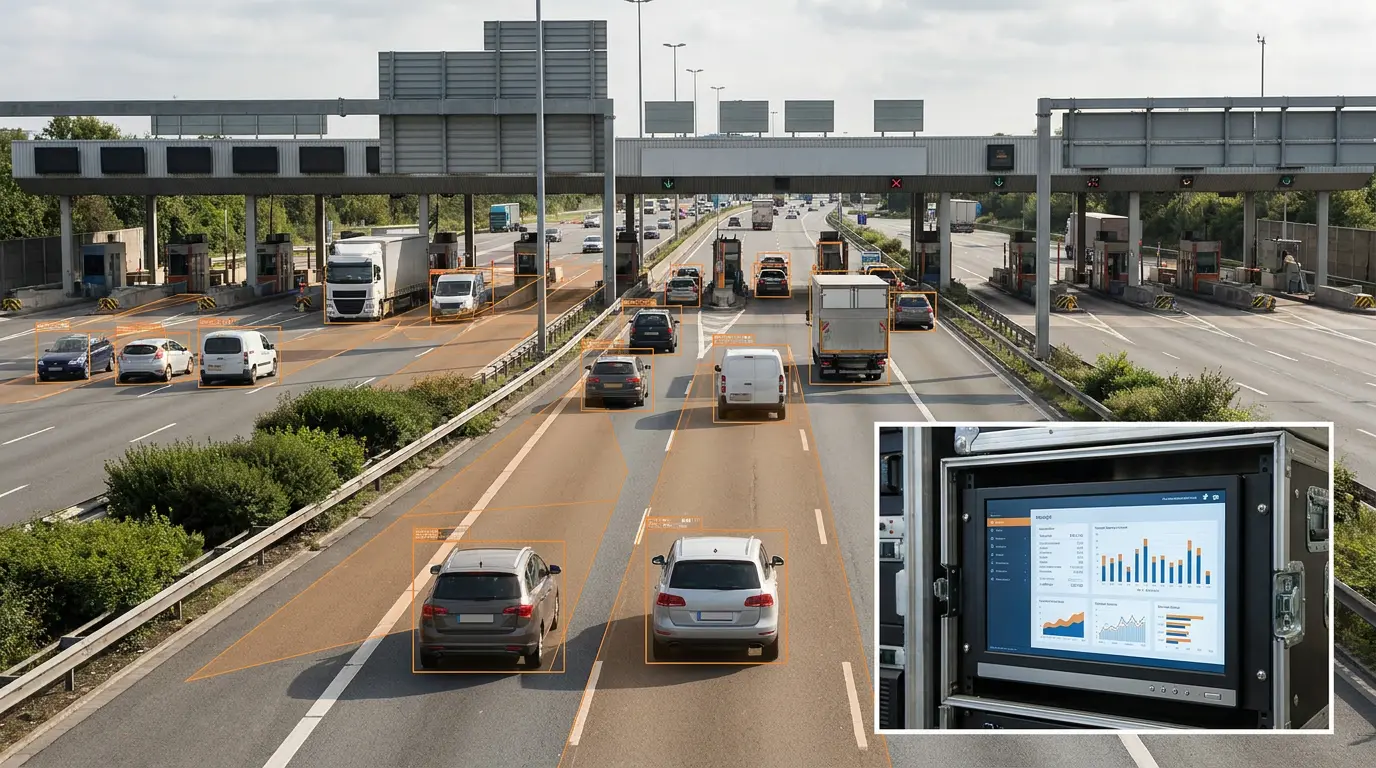
Cross-reference highly accurate, lane-by-lane volume counts with physical toll gantry receipts to audit your payment system. Discrepancies surface faster than reconciliation spreadsheets alone.

Finance and operations teams share a common volume truth from video analytics.

TrafficVision® TMC
use-casestollingaudit
Use the dedicated Alerts Monitor tab

Use the dedicated Alerts Monitor tab

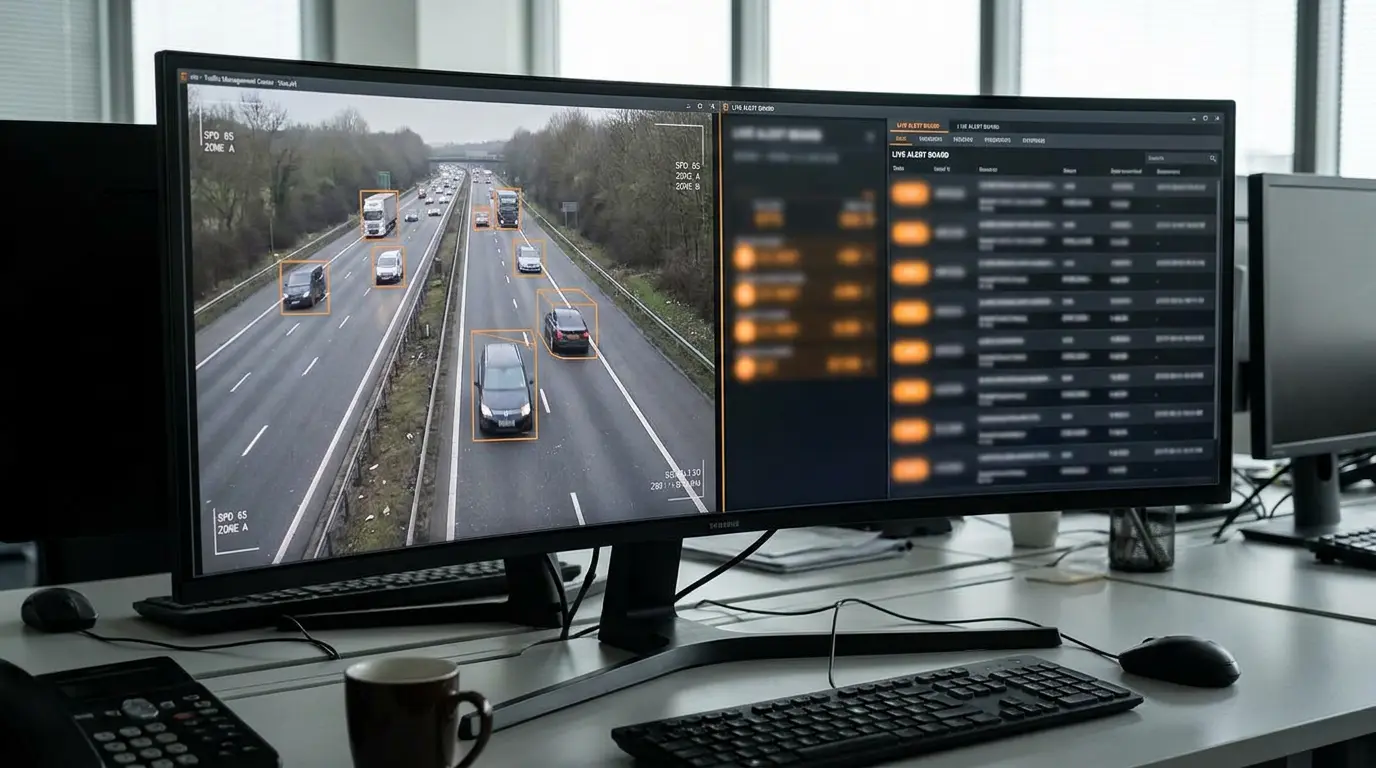
Do not rely solely on the map. Use the dedicated Alerts Monitor tab for a streamlined, operator-friendly view to quickly clear incidents. The queue is sorted for triage, not geography.

New shift leads should keep Alerts Monitor visible on a secondary display.

TrafficVision® TMC, PortObserver™
operator-tipsalerts
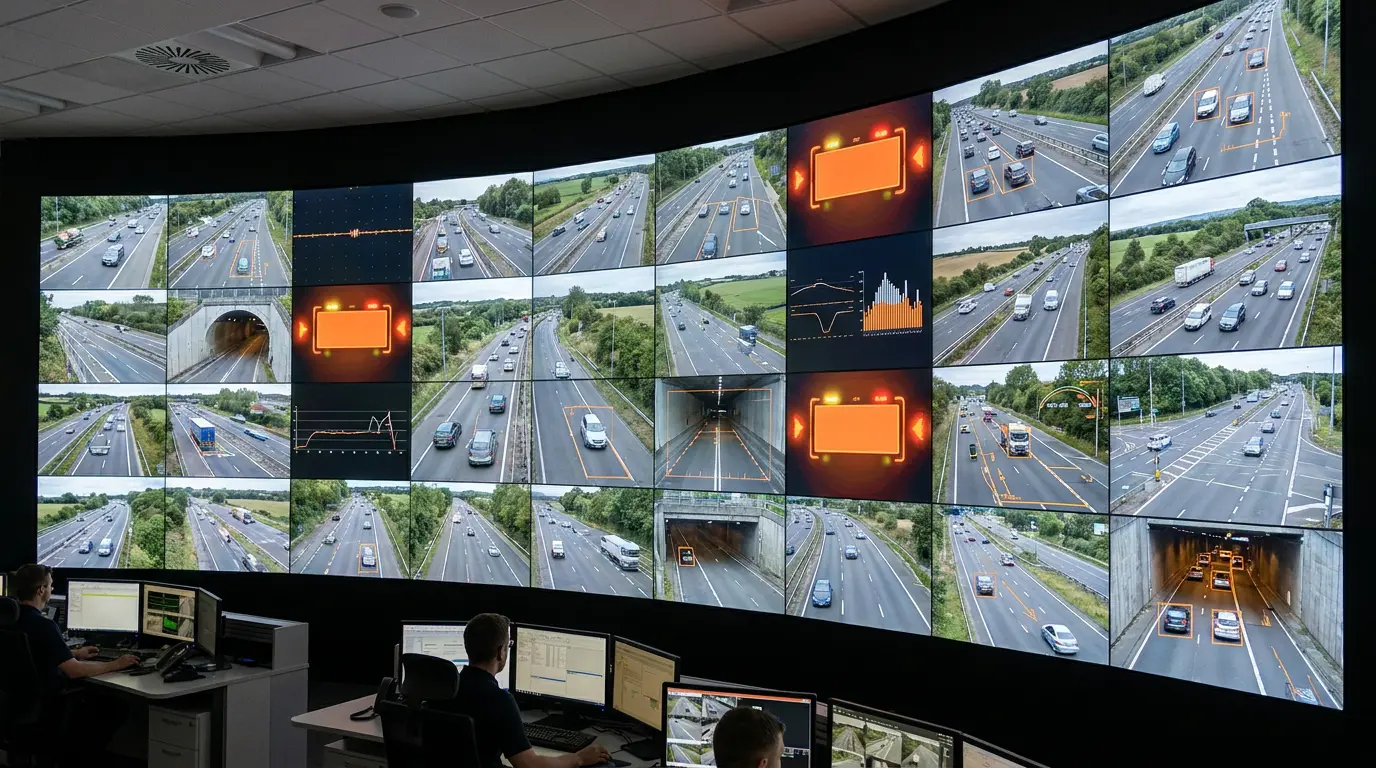
Video wall integration with Milestone, Genetec, and Q-Free

Video wall integration with Milestone, Genetec, and Q-Free

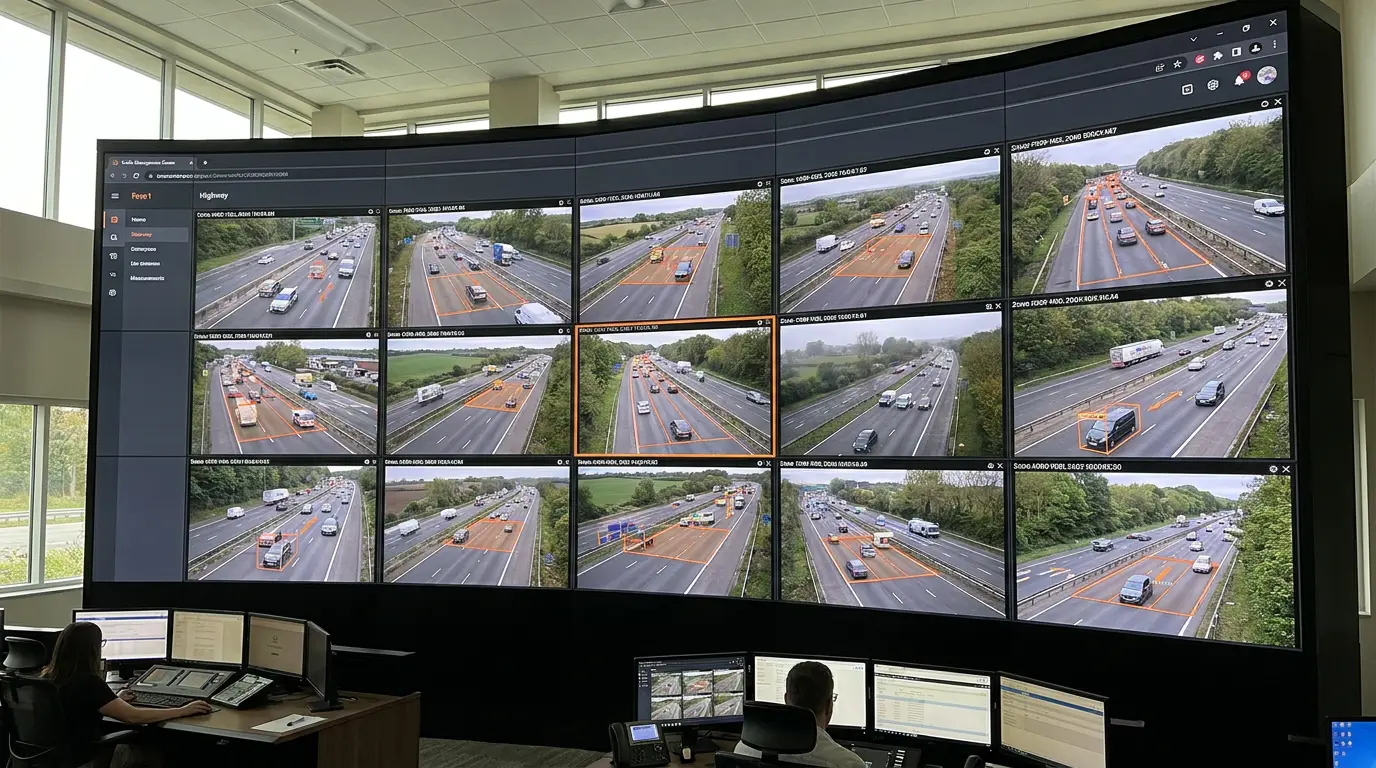
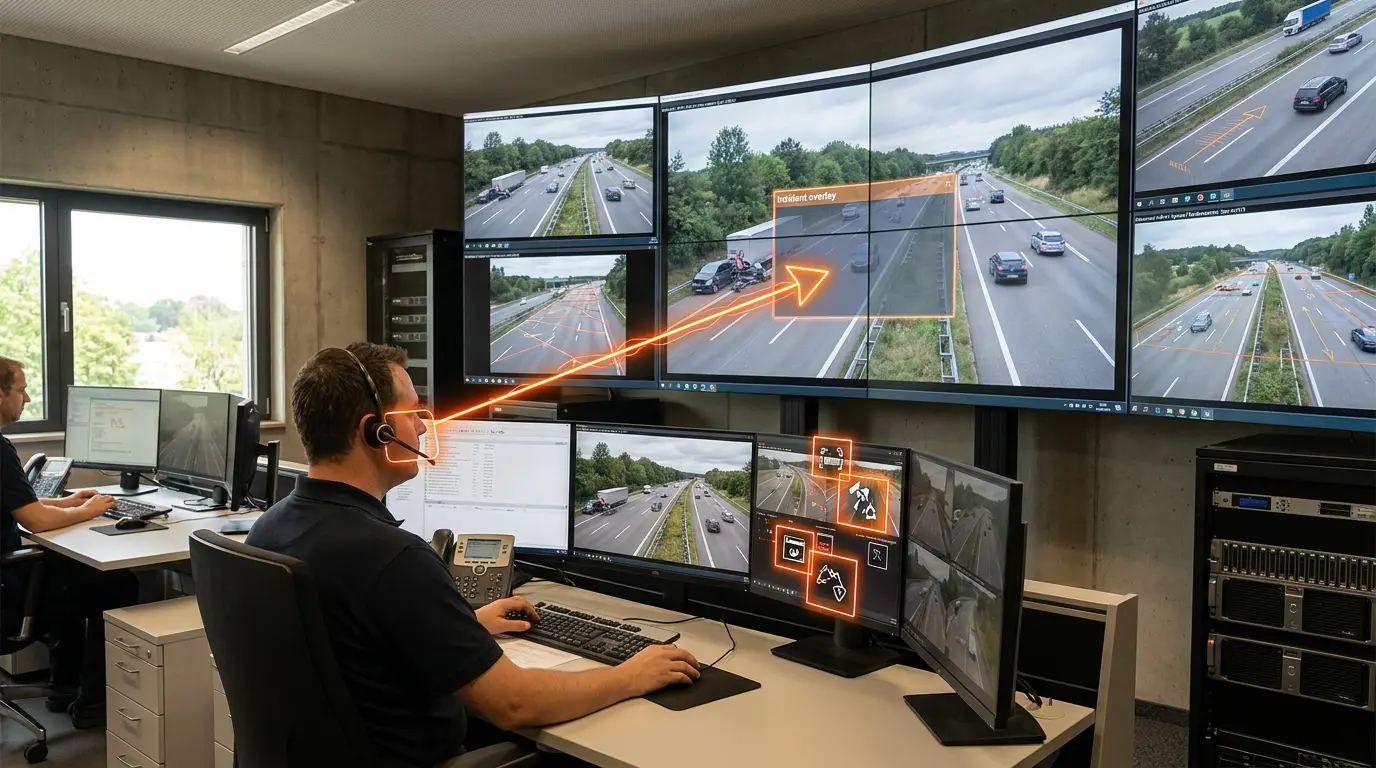
Seamlessly integrate TrafficVision alerts directly into your existing Milestone, Genetec, or Q-Free ATMS video walls. Operators stay in familiar layouts while gaining AI-driven incident tiles.

Integration reduces training friction when upgrading analytics on deployed walls.

TrafficVision® TMC, PortObserver™
enterpriseintegrationvideo-wall
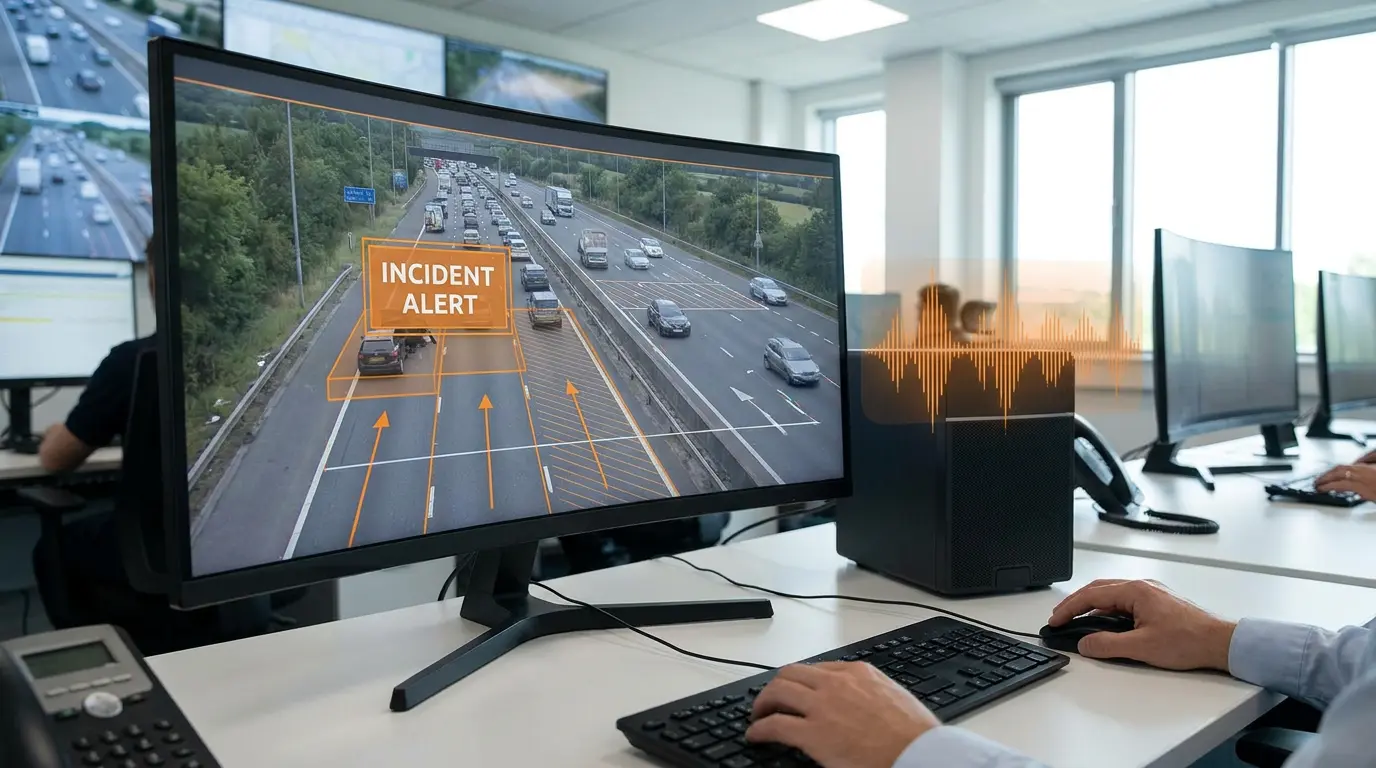
Voice announcements in the Alerts Monitor

Voice announcements in the Alerts Monitor

The Alerts Monitor can be configured to use audible voice announcements. Operators hear critical events even when they are looking away from the screen or managing multiple feeds.
Pair voice alerts with visual cues for faster acknowledgement in busy TMC environments.
TrafficVision® TMC, PortObserver™
ai-detectionalertsoperator
WCAG 2.1 AA accessible operator UI

WCAG 2.1 AA accessible operator UI

The latest UI updates are fully compliant with WCAG 2.1 AA standards, ensuring accessibility for all operators. Contrast, keyboard navigation, and screen-reader labels are built into core workflows.

Inclusive design keeps every shift lead able to clear incidents quickly.

TrafficVision® TMC
enterpriseaccessibilityUI
Wind and shake tolerance with drift settings

Wind and shake tolerance with drift settings

High winds causing camera poles to sway can introduce frame drift. Adjust the system's Drift Tolerance setting to maintain accurate detection even when the camera shakes.

This is especially useful on elevated structures, coastal corridors, and open plains installations.

TrafficVision® TMC, PortObserver™
camera-setupreliability
Tune slow-speed detection for zoomed views

Tune slow-speed detection for zoomed views

Advanced parameters allow agencies to tune slow-speed detection specifically for zoomed-in camera views. Tight zooms amplify pixel motion noise; tuned thresholds drastically reduce false alerts.
Use this on bridge mounts, remote corridors, and PTZ presets aimed at distant bottlenecks.
TrafficVision® TMC, PortObserver™
ai-detectiontuning

Want to explore one of these for your operation?